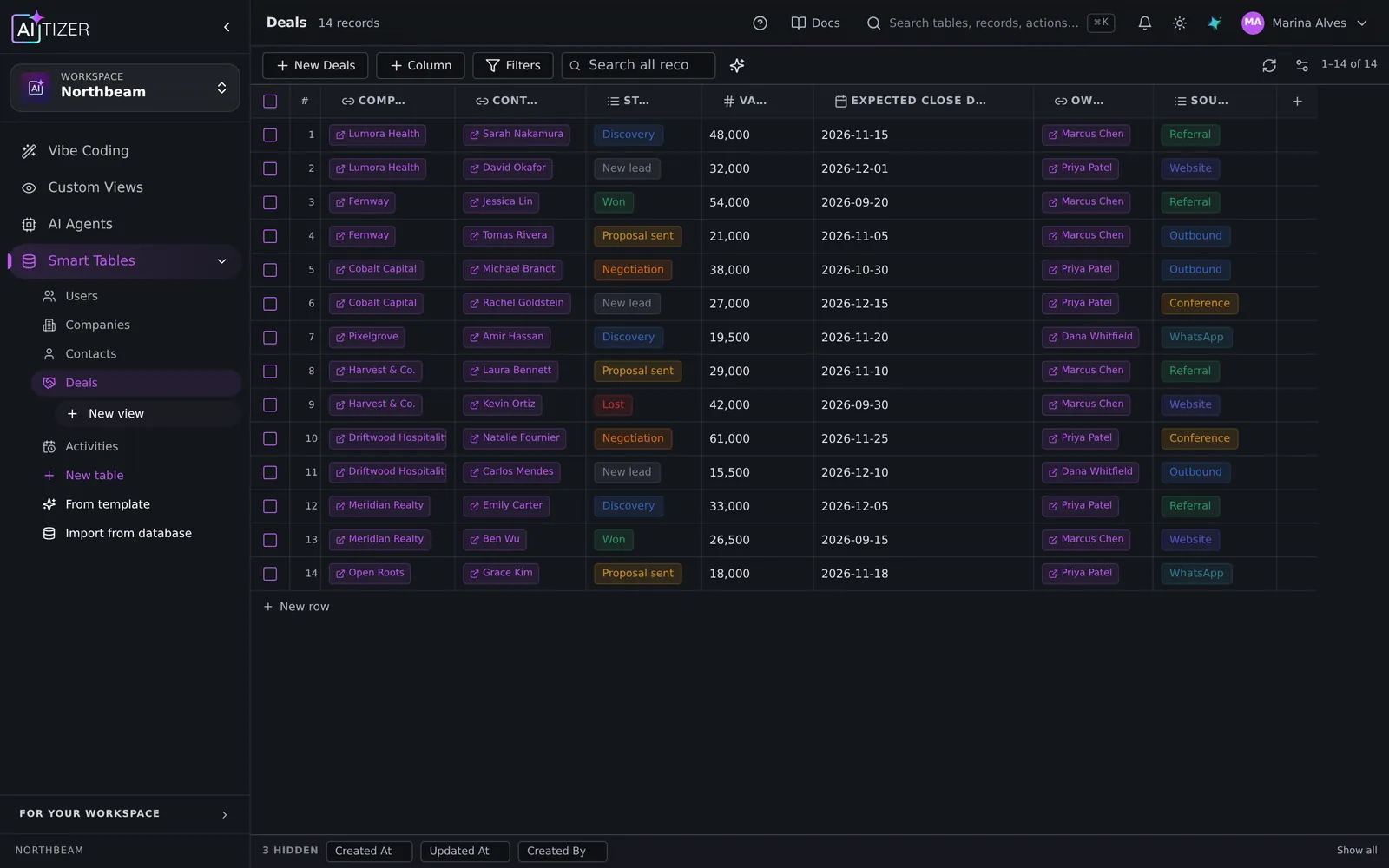
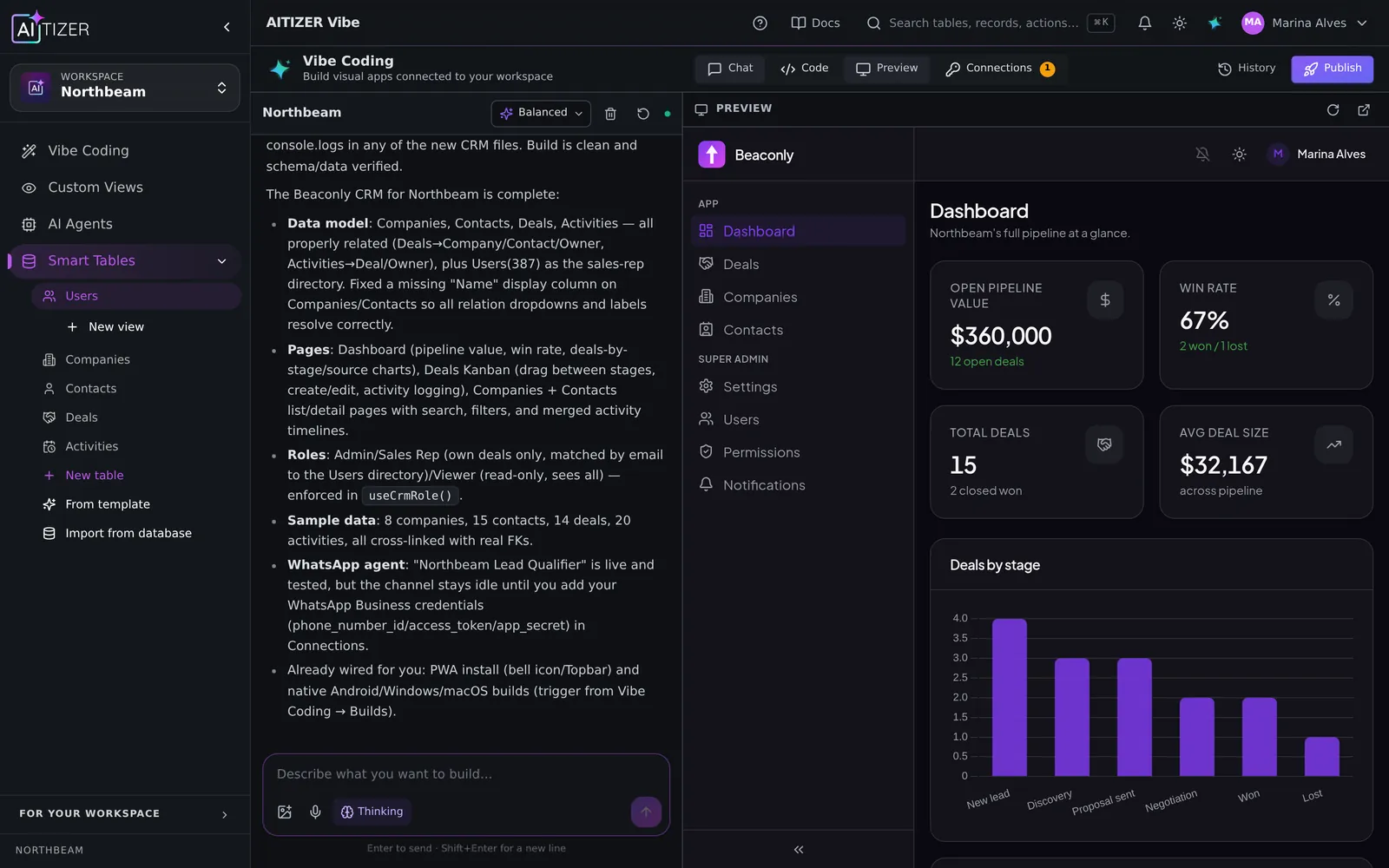
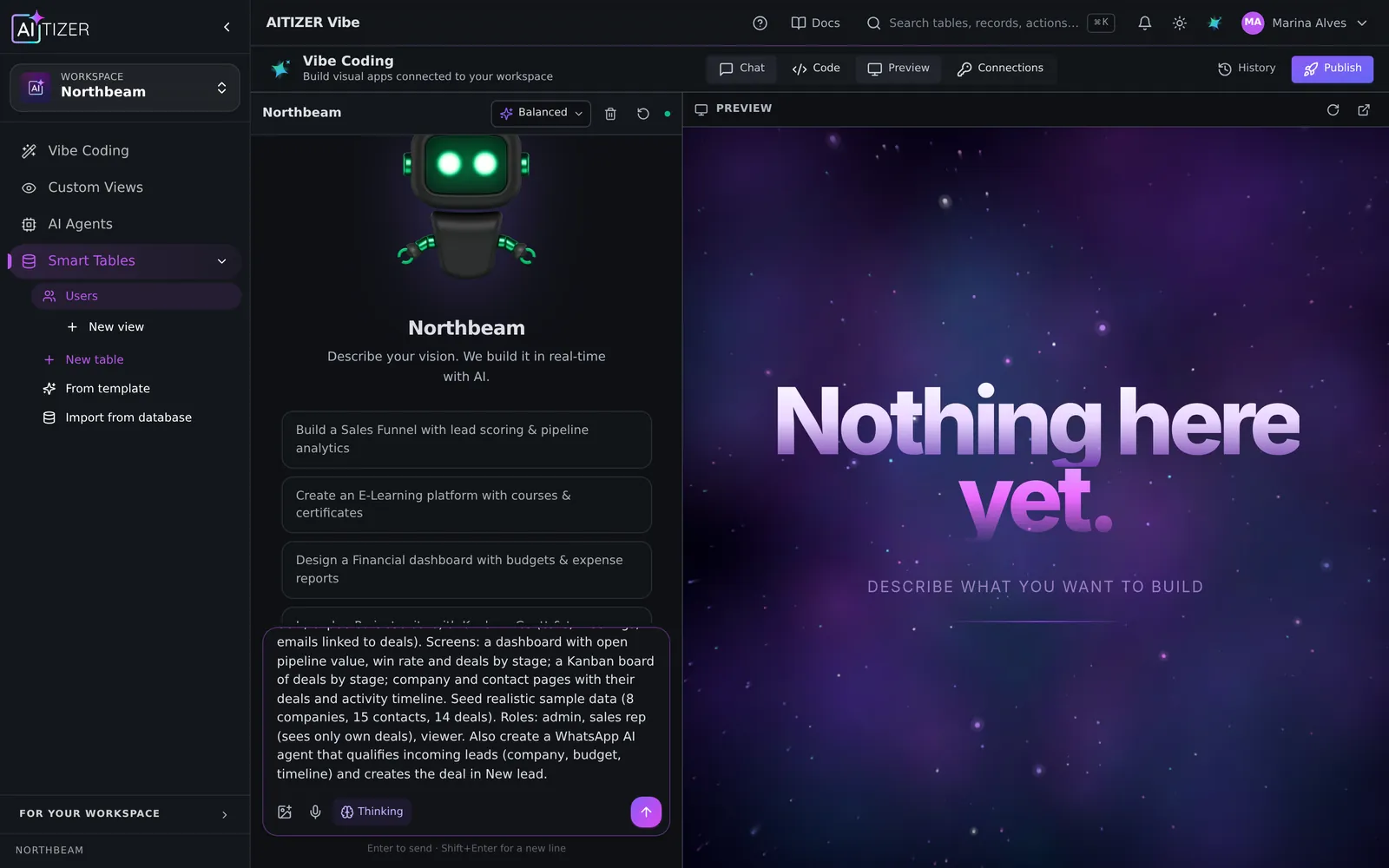
"Vibe coding" is the practice of building software by describing what you want and iterating with an AI, instead of writing every line yourself. It went from a joke to a workflow in two years. For prototypes it is magic. For business software it is magic if a few things are true.
Where vibe coding breaks
- No real backend. A beautiful screen with data in the browser is not a system.
- No permissions. Everyone sees everything because nobody asked for roles.
- No memory. Each prompt rewrites things the previous one got right.
- No exit. The result only runs where it was generated.
What makes it production-grade
- A real database first. Tables, relations and types before screens.
- Auth and roles from the start. Login, admin vs editor vs viewer, row-level access.
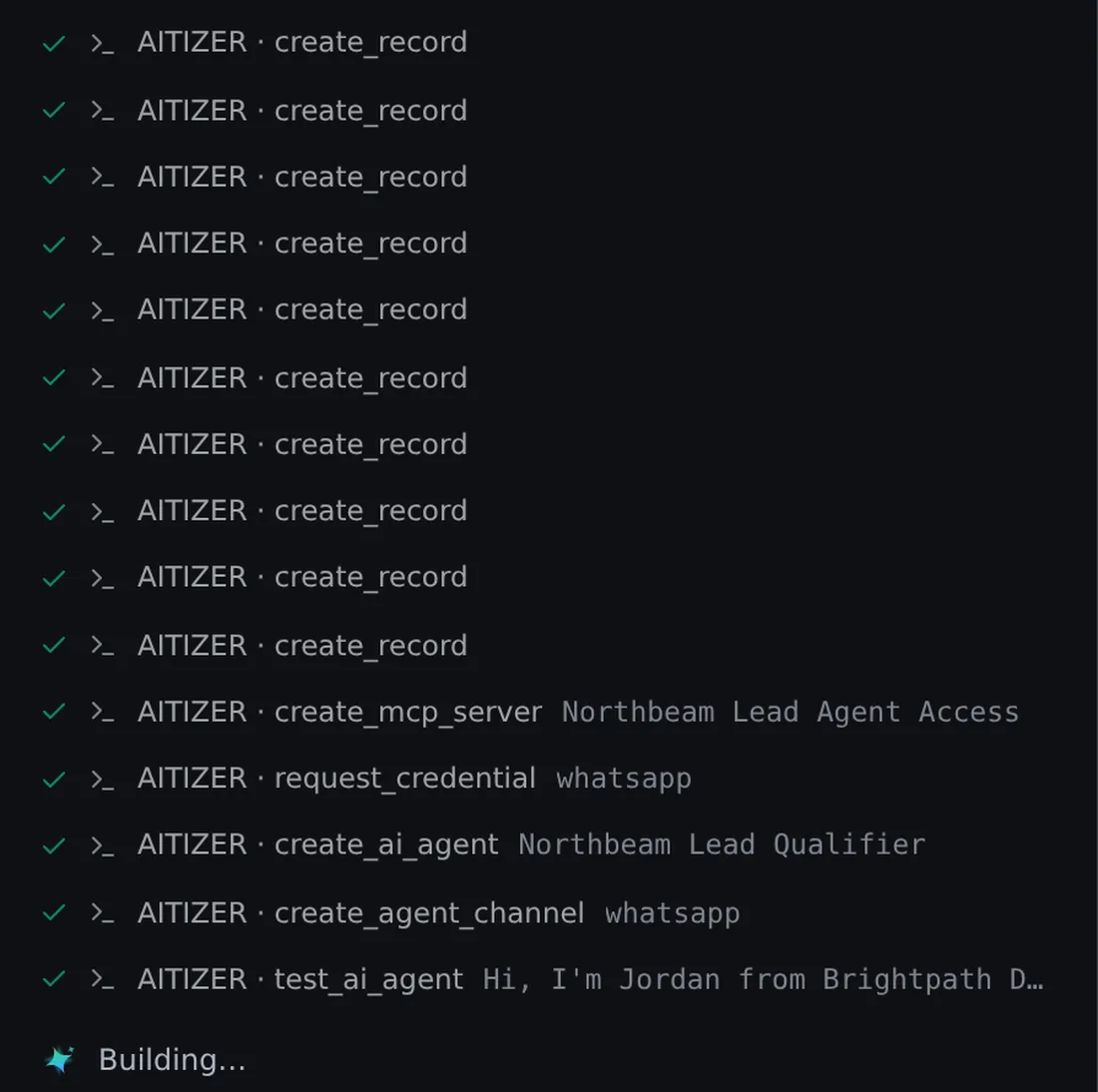
- A protocol for the AI. Plan, check the live schema, build in dependency order, verify. Then answer.
- Version history. Every AI edit is a commit you can roll back.
- Hosting and domain. Publish where your users are, with zero-downtime updates.
That is how AITIZER runs vibe coding: the engine plans first, reads your real tables over MCP, creates what is missing, generates the screens on a tested starter (login, roles, settings, notifications, installable app) and keeps every change in git.
Tips for better results
- Describe the business, not the UI: "a booking system for a clinic with 3 doctors" beats "a page with a calendar".
- Name the rules: who can do what.
- Ask for one change at a time after the first build.
- When something is wrong, say what you expected, not just "fix it".
Try a ready prompt from Solutions, or paste your own on the home page.
Build it on AITIZER. Free, no card
Paste this into the composer and watch it ship:
Build an inventory system with Products, Suppliers, Stock movements and Purchase orders, with a low-stock alert on Telegram.
- Real Postgres tables you own and can export
- AI agents on WhatsApp, Telegram and web chat
- Publish to your domain, or as a PWA, Android and desktop app