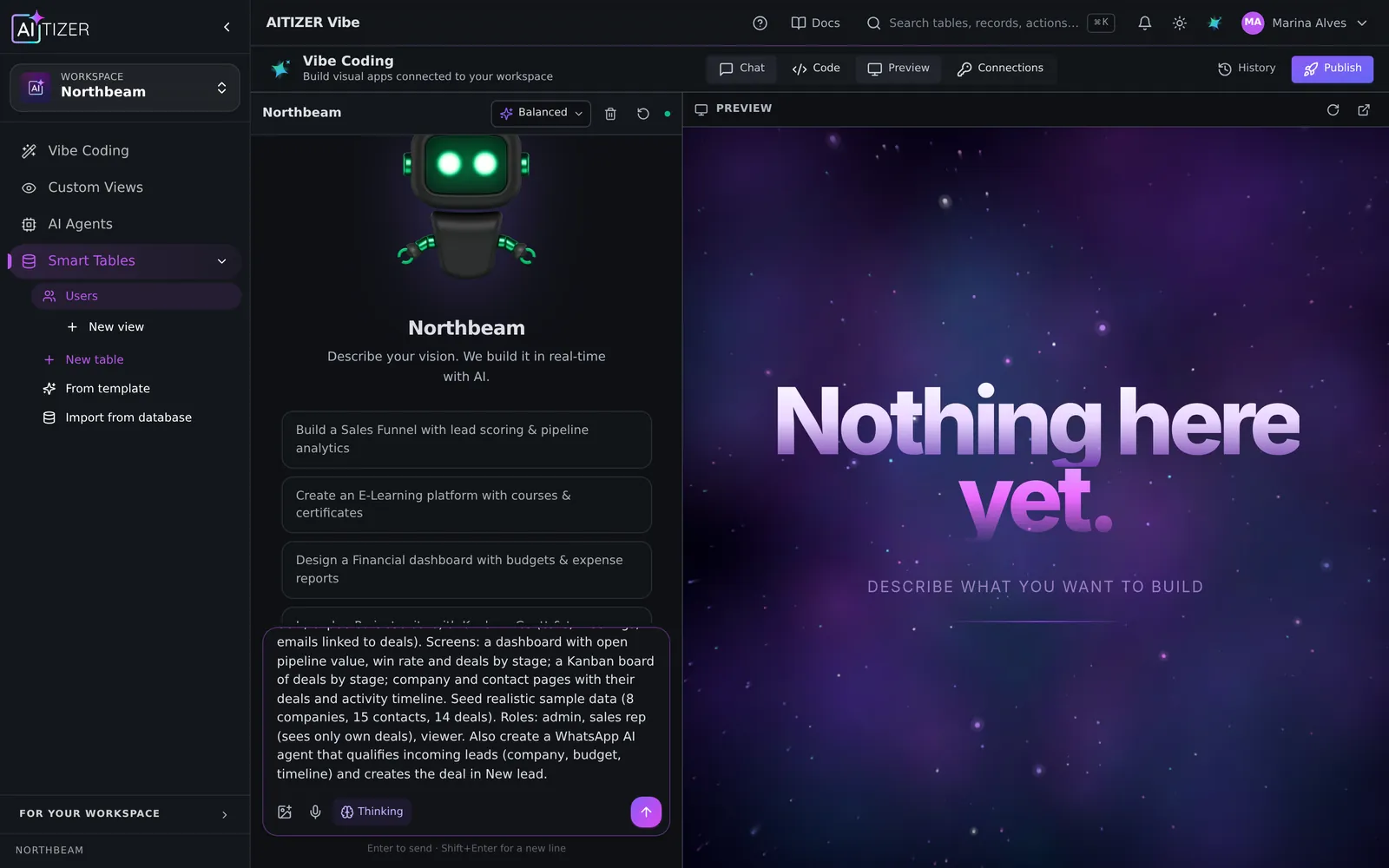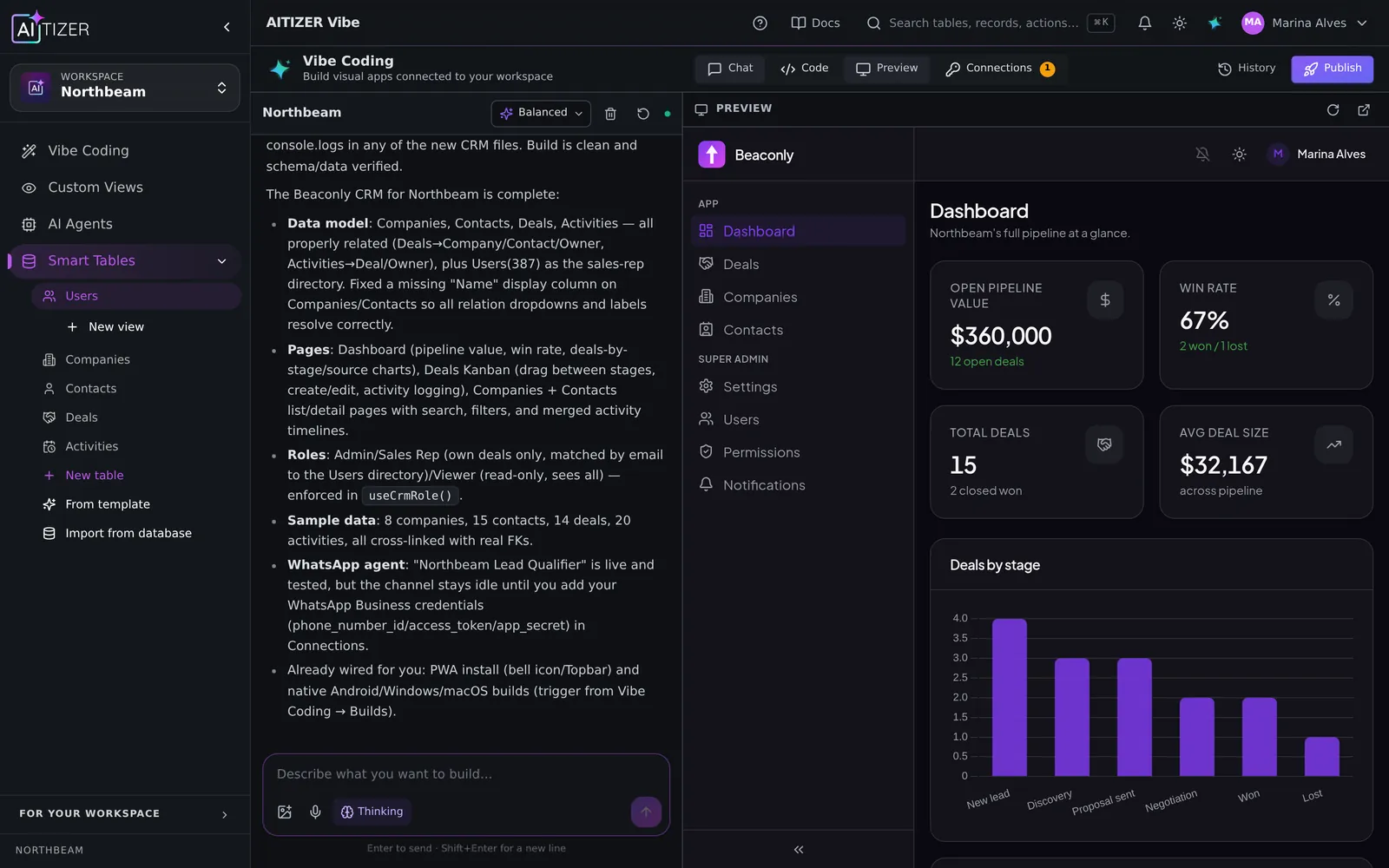
"AI app builder" now covers very different products. Some generate a nice front-end and stop there. Some are visual editors with an AI assistant bolted on. A few ship the whole thing: database, logic, login, agents and hosting. Picking the wrong category is the most common reason a project stalls after the demo.
The four questions that decide it
- Where does the data live? If the tool only generates screens, you still need a database, auth and an API. And someone to maintain them.
- Can a non-developer keep working after the first version? Plain-language changes are great; being stuck when the AI gets something wrong is not.
- Do you own the result? Exportable code and data, or a proprietary runtime you rent forever.
- Does it run your business, or just show it? Automations, integrations and AI agents that act on the data are what turn an app into an operation.
The categories
Front-end generators
Fast and impressive: describe a screen, get React. They shine for prototypes and marketing sites. The catch is everything behind the screen. Tables, permissions, background jobs. Is your problem, usually through a separate backend service.
Visual builders with AI help
Mature editors (drag-and-drop, workflows) that added AI to speed up building. Powerful, but you still learn the editor, and the result typically cannot leave the platform.
Internal-tool builders
Excellent when engineers build admin panels on top of an existing database. Less suited when there is no database yet, or when the app is customer-facing.
Full-stack AI builders
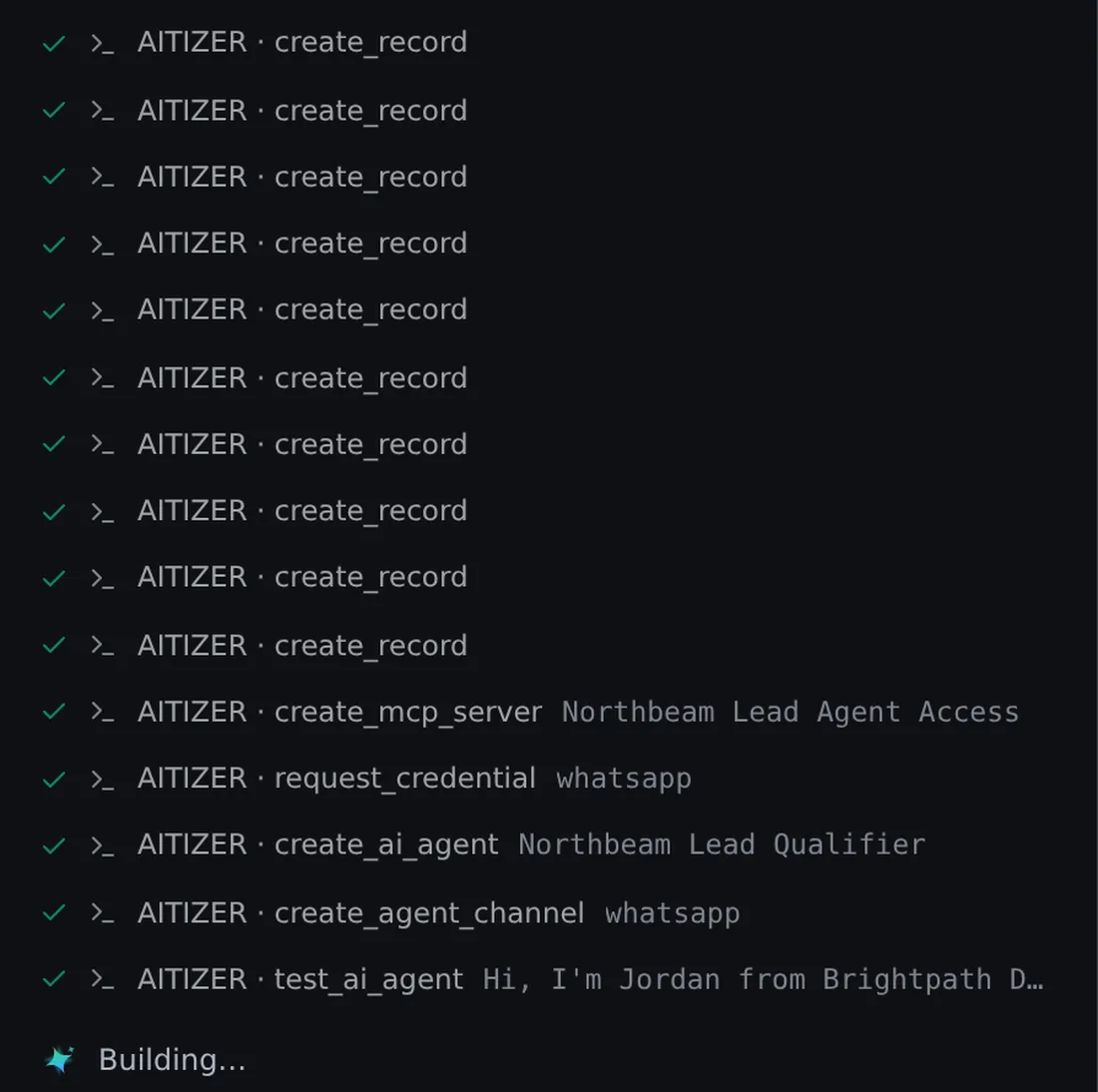
Database, app, logic, agents and hosting in one product, generated from a description and editable afterwards. This is where AITIZER sits: you describe the software, it creates the tables, screens, login and roles, wires integrations and agents, and publishes on your domain. The code is exported to git; the data exports anytime.
How to test any builder in 30 minutes
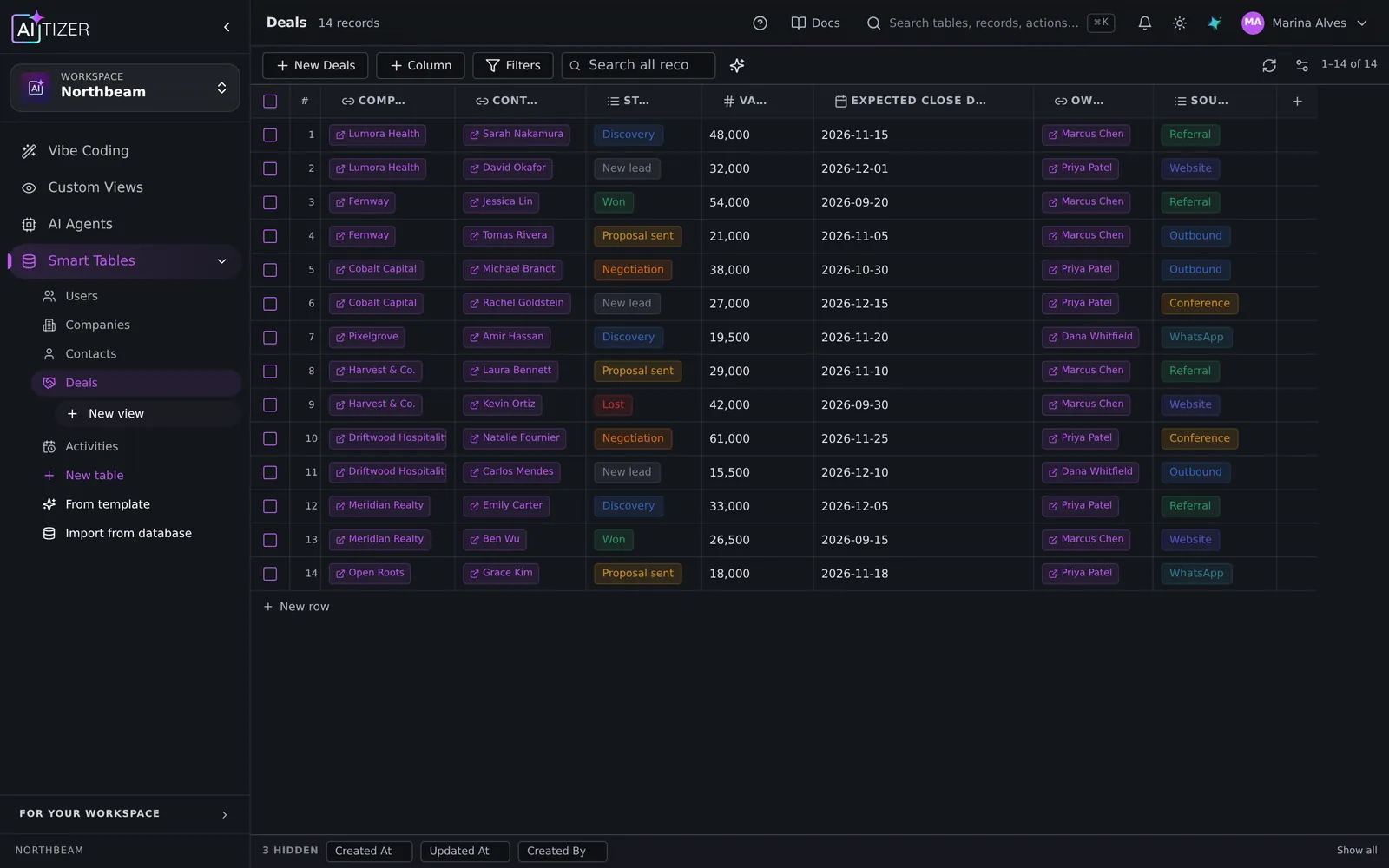
- Ask for something real, with relations: customers, orders, order items.
- Ask for one rule: only managers can delete orders.
- Ask for one integration: notify Slack when an order is paid.
- Log in as a second user and check what they can see.
- Export the data and the code.
If any step needs a developer or a support ticket, you have learned the true cost of the tool.
Where AITIZER fits
AITIZER is built for agencies delivering systems to clients, operations teams replacing spreadsheets, and developers who want the backend done. The tables are a real spreadsheet you can use directly; the app is generated on top; 240 integrations are pre-wired; agents work on WhatsApp, Telegram and the web; and your developers get an MCP server and REST API.
Compare directly: AITIZER vs Bubble, vs Retool, vs Lovable, vs Airtable.
Build it on AITIZER. Free, no card
Paste this into the composer and watch it ship:
Build a client portal where each customer logs in and sees their projects, invoices and support tickets.
- Real Postgres tables you own and can export
- AI agents on WhatsApp, Telegram and web chat
- Publish to your domain, or as a PWA, Android and desktop app