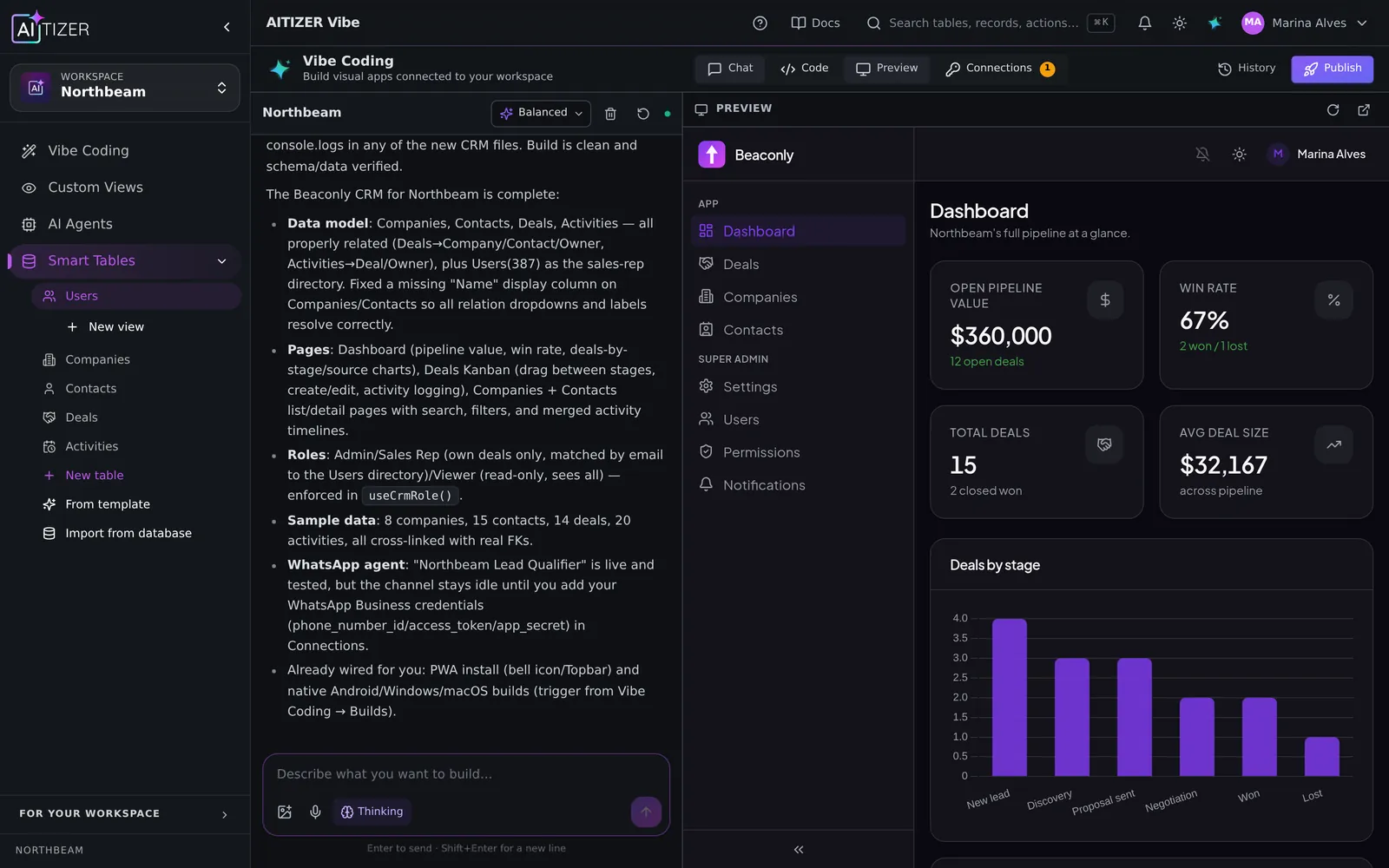
Every company has the spreadsheet: the one that runs orders, inventory, onboarding or payroll. It started as a quick fix and became infrastructure. You know the symptoms:
- Three versions of the truth ("final_v3_REAL.xlsx").
- Everyone can see. And break. Everything.
- Formulas nobody dares to touch.
- Copy-pasting between sheets, and mistakes nobody notices for weeks.
The fix is not "a bigger spreadsheet". It is an app: a database with rules, screens for each role, and automations for the boring parts.
Step 1. Keep what works about the spreadsheet
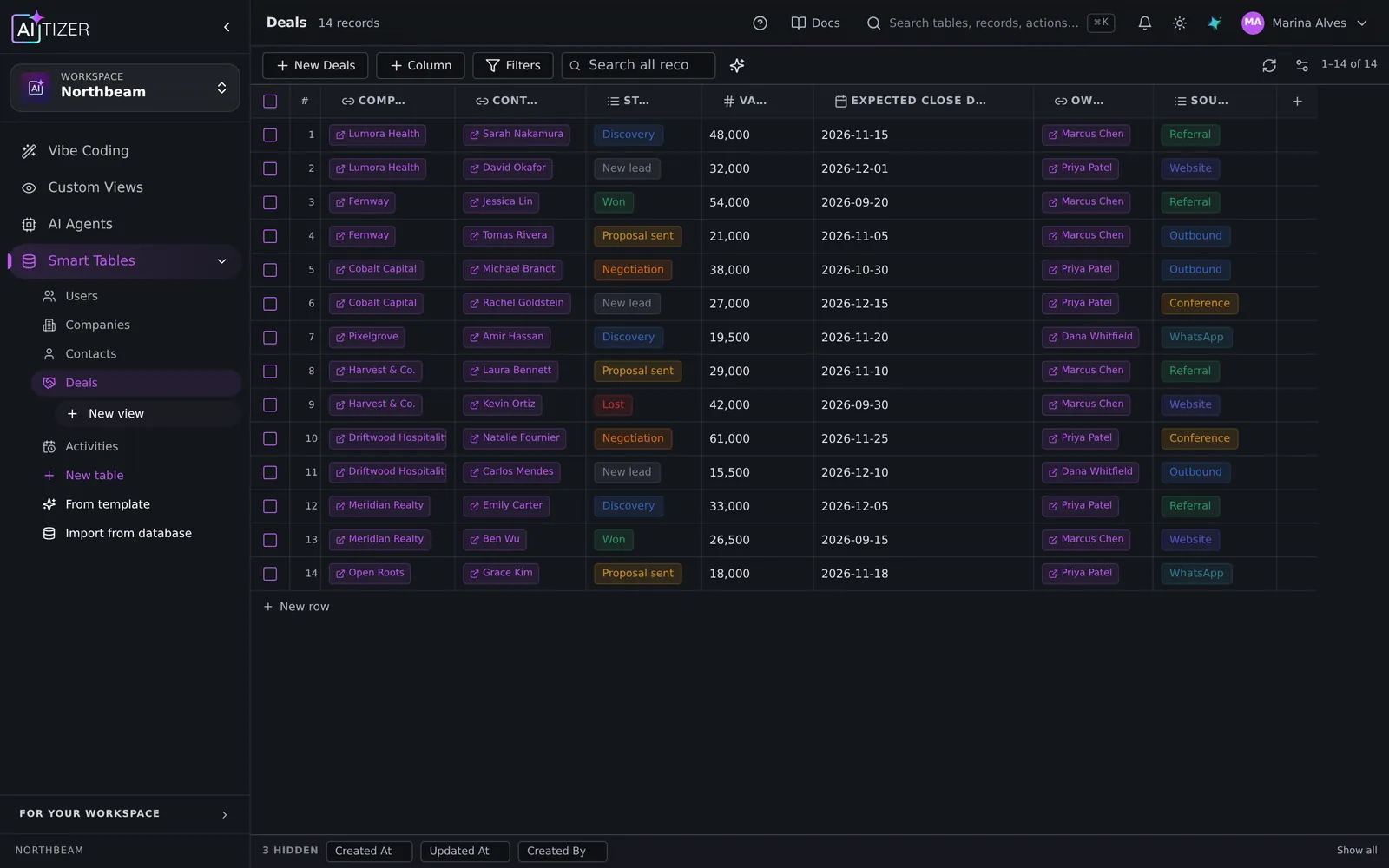
People love spreadsheets because they can see and edit data directly. Keep that. In AITIZER, every table is a Smart Table: a grid that feels like a spreadsheet but sits on a real Postgres database with typed columns.
Step 2. Describe the app around it
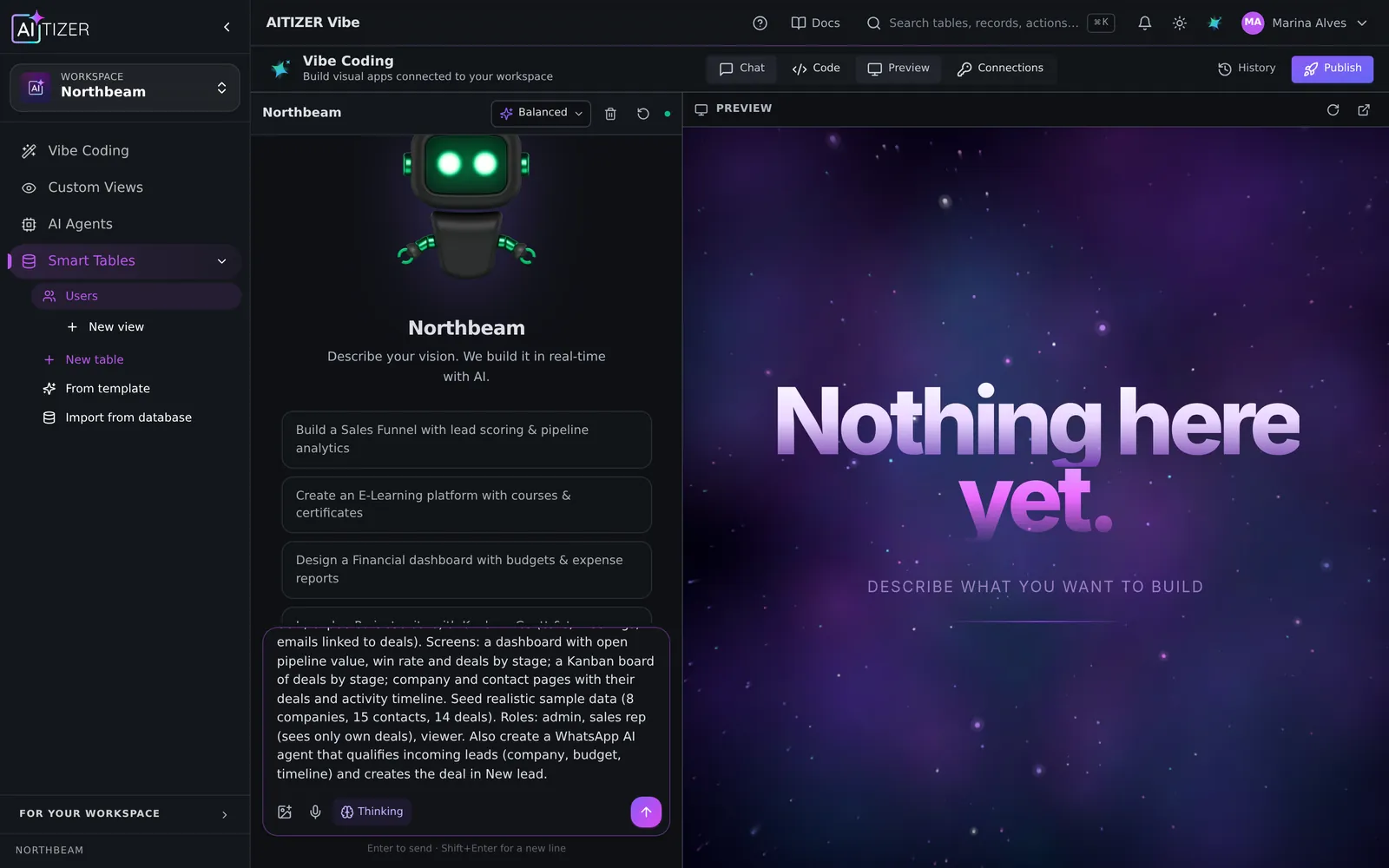
Write what the spreadsheet is for, who uses it and what they are allowed to do. Paste the prompt below into AITIZER and adjust the nouns to your business.
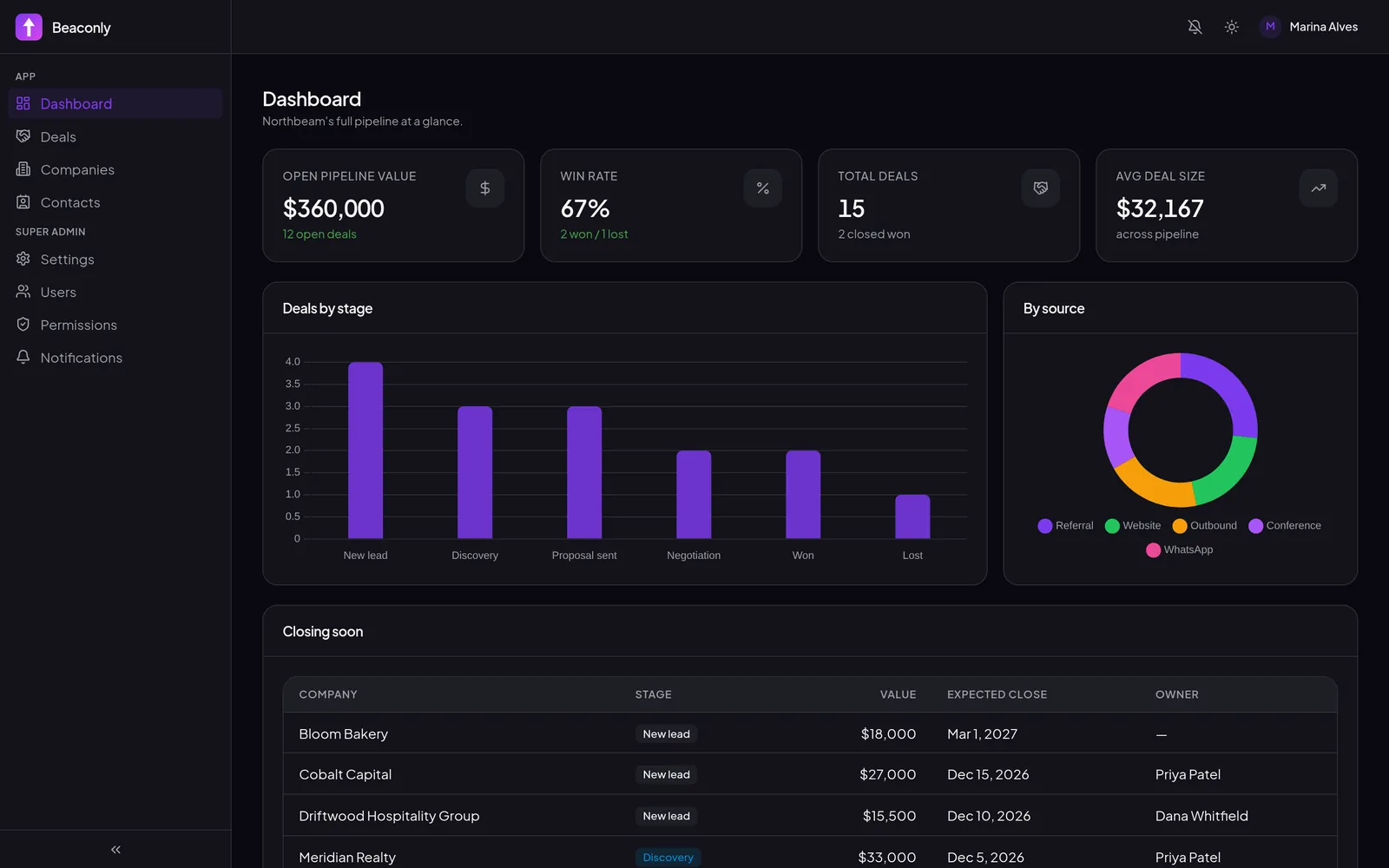
The builder creates the tables, imports nothing by itself and asks before changing data, then generates screens for each role: a board for the warehouse, a list filtered to "my customers" for sales, a dashboard for the manager.
Step 3. Import your data
Export the sheet as CSV and import it into the table. Single-select columns map statuses; relation columns link orders to customers. From then on, the spreadsheet is retired. Or you can keep syncing it while people get used to the app.
Step 4. Automate the copy-paste
Most spreadsheet work is moving data around. In AITIZER that becomes:
- Formula columns for totals, deadlines and flags.
- Automations on a schedule ("every day at 8:00, summarize orders shipped yesterday").
- Row triggers ("when status becomes Returned, notify finance").
- Integrations with 240 services. Slack, Gmail, Stripe, HubSpot, Shopify. Or any HTTP API.
Step 5. Give it to the team
Invite people with roles (admin, editor, viewer, or custom roles), publish the app (your own domain from the Pro plan) and install it on phones as a PWA. Your data is exportable at any time.
What it costs
You can try the whole flow on the Free plan (200 AI credits a month, up to 3 tables). Publishing the app for your team starts on Starter at $29/month; Pro at $79/month adds your own domain, WhatsApp and Telegram, and the full REST API and MCP. Every paid plan starts with a 7-day trial.
Build it on AITIZER. Free, no card
Paste this into the composer and watch it ship:
Turn my order tracking spreadsheet into an app. Orders have customer, items, total, status (New, Paid, Shipped, Delivered, Returned) and delivery date. Warehouse staff update status; sales see only their own customers; a daily summary goes to the manager.
- Real Postgres tables you own and can export
- AI agents on WhatsApp, Telegram and web chat
- Publish to your domain, or as a PWA, Android and desktop app