The Model Context Protocol (MCP) is how AI assistants call tools outside the chat. Connect an assistant to an MCP server and it can read your schema, query rows and write records. Instead of guessing.
Every AITIZER workspace can expose its tables as MCP servers. This guide shows how to connect your editor in one command, what the assistant can do, and how to keep it safe.
Why an MCP server for your data
Without MCP, your assistant writes code about your data from memory and hope. With MCP it can:
- read the real schema (tables, columns, types) before writing a query or a form;
- list and filter records to answer questions ("which deals close this month?");
- create and update records while you work ("log this call on the Fernway deal");
- do all of that under permissions you control, table by table.
Step 1. Create a server and choose the tables
In MCP servers, create a server and decide, per table, what it may do: read all rows, read only its own rows, create, edit, delete. You can have several servers. One for your editor with broad access, another for a customer-facing agent that can only create leads.
Step 2. Connect your client
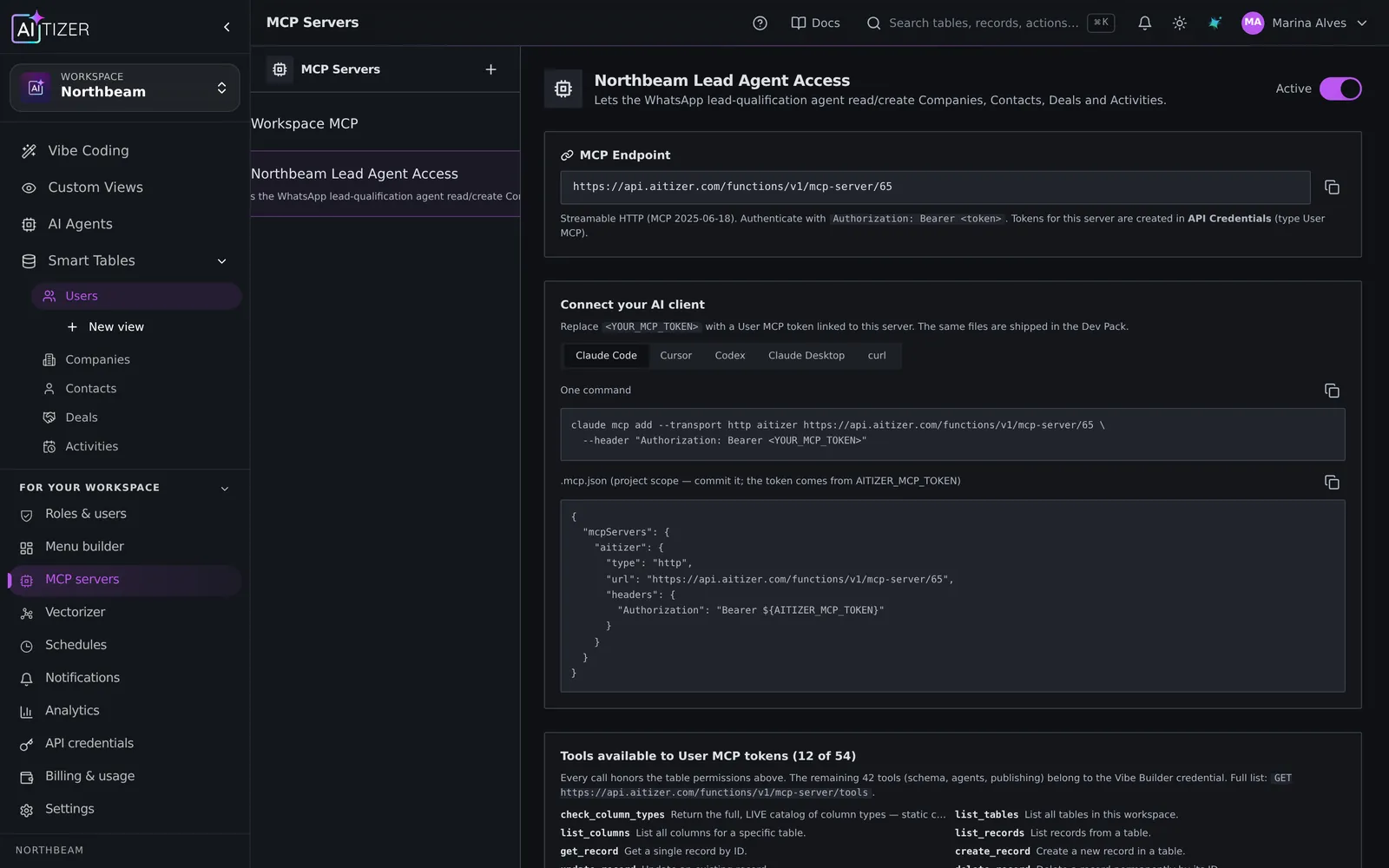
Create a User MCP token for the server in API credentials, then add the server to your client. For Claude Code it is one command:
claude mcp add --transport http aitizer https://api.aitizer.com/functions/v1/mcp-server/<server-id> \
  --header "Authorization: Bearer <YOUR_MCP_TOKEN>"
Or commit a project-scoped .mcp.json and keep the token in an environment variable:
{
  "mcpServers": {
    "aitizer": {
      "type": "http",
      "url": "https://api.aitizer.com/functions/v1/mcp-server/<server-id>",
      "headers": { "Authorization": "Bearer ${AITIZER_MCP_TOKEN}" }
    }
  }
}
It is plain Streamable HTTP (MCP spec 2025-06-18): no bridge process, no local install. Cursor, Codex and Claude Desktop use the same endpoint; the app shows the exact snippet for each.
What the assistant can do
A User MCP token gets the 12 data tools: list_tables, list_columns, check_column_types, list_records (with filters), get_record, create_record, update_record, delete_record and friends. Every call checked against the table permissions of its server.
The rest of the 54 AITIZER tools. Creating tables, building apps, configuring agents, publishing. Belong to the Vibe Coding builder, so a leaked editor token can never redesign your workspace.
Permissions and safety
- Per-table flags: read all, read own, create, edit, delete.
- Read-only tokens refuse every mutation.
- Tokens expire and rotate; revoke one without touching the others.
- Usage is logged per token, so you can see what each assistant did.
Real examples
- "Read the Deals table and write a weekly pipeline summary in Markdown."
- "Create a Contact for every attendee in this CSV and link them to the right Company."
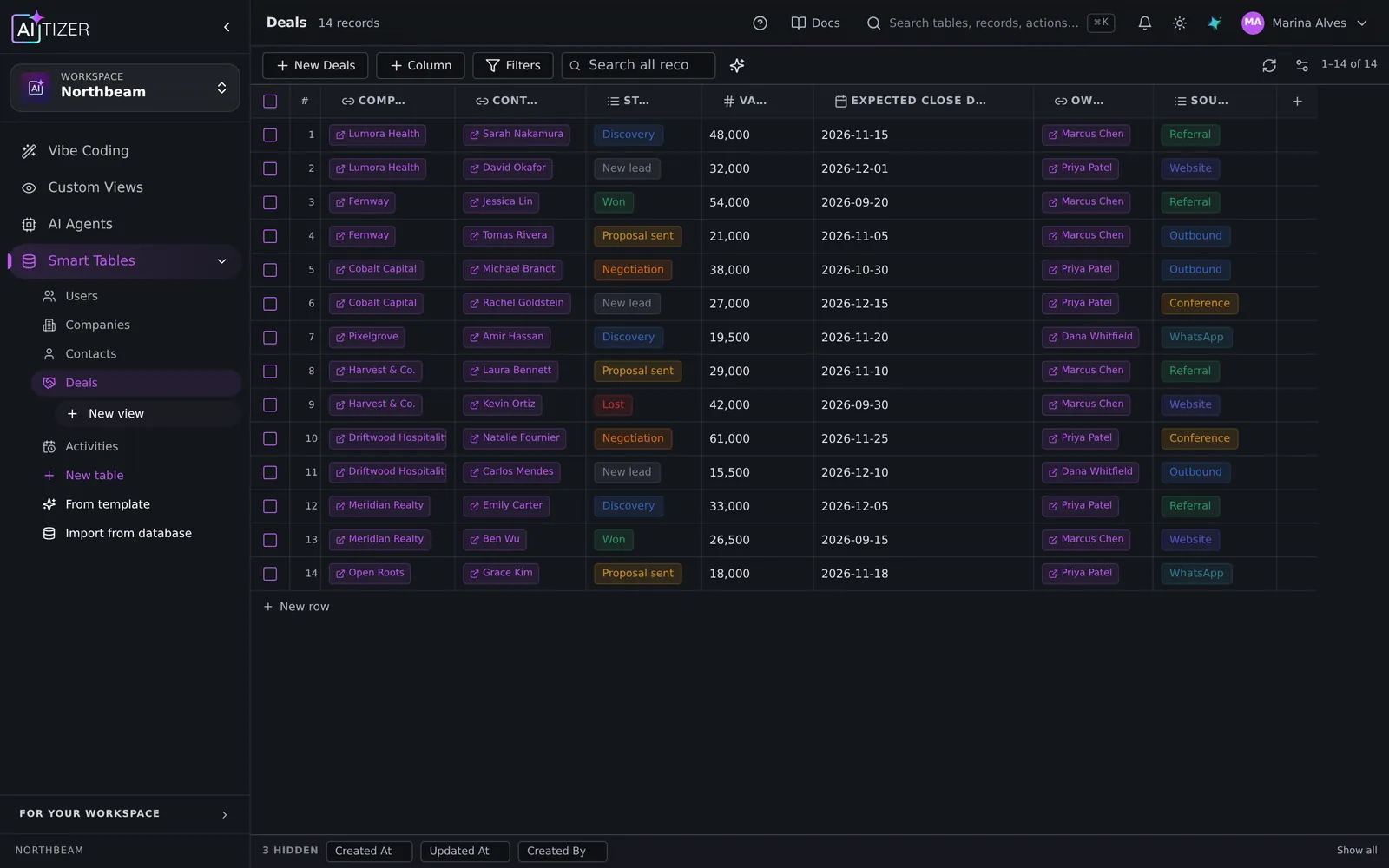
- "Build a Next.js page that lists open deals. Check the schema first."
Plans
The full MCP server (read and write) and the REST API are included from the Pro plan ($79/month); Starter ($29/month) includes read-only access. Customer-facing agents use MCP servers on every plan to reach only the tables you allow.
Build it on AITIZER. Free, no card
Describe the software you need. AITIZER builds the database, screens, login, permissions and AI agents. And hosts it on your domain.
- Real Postgres tables you own and can export
- AI agents on WhatsApp, Telegram and web chat
- Publish to your domain, or as a PWA, Android and desktop app