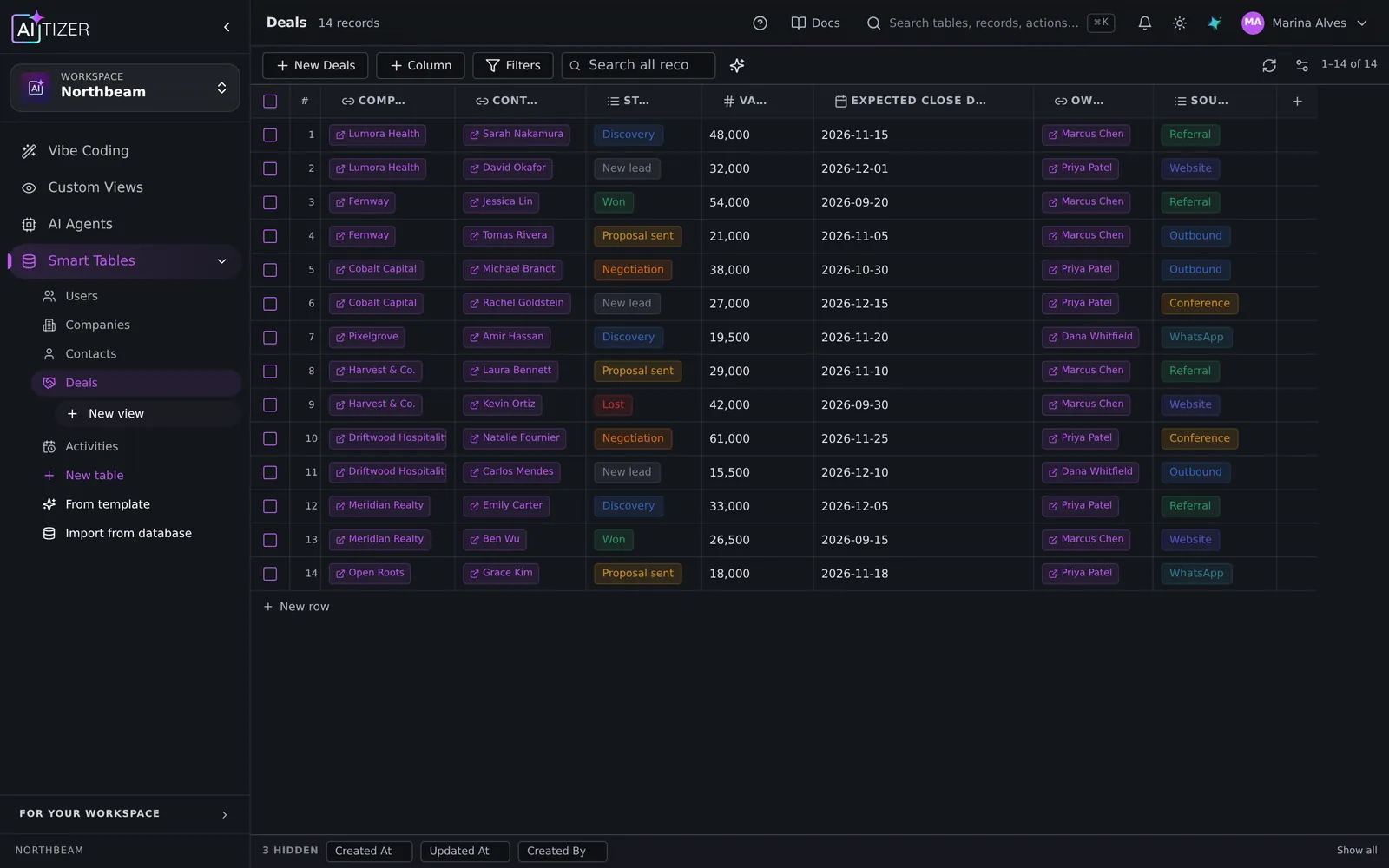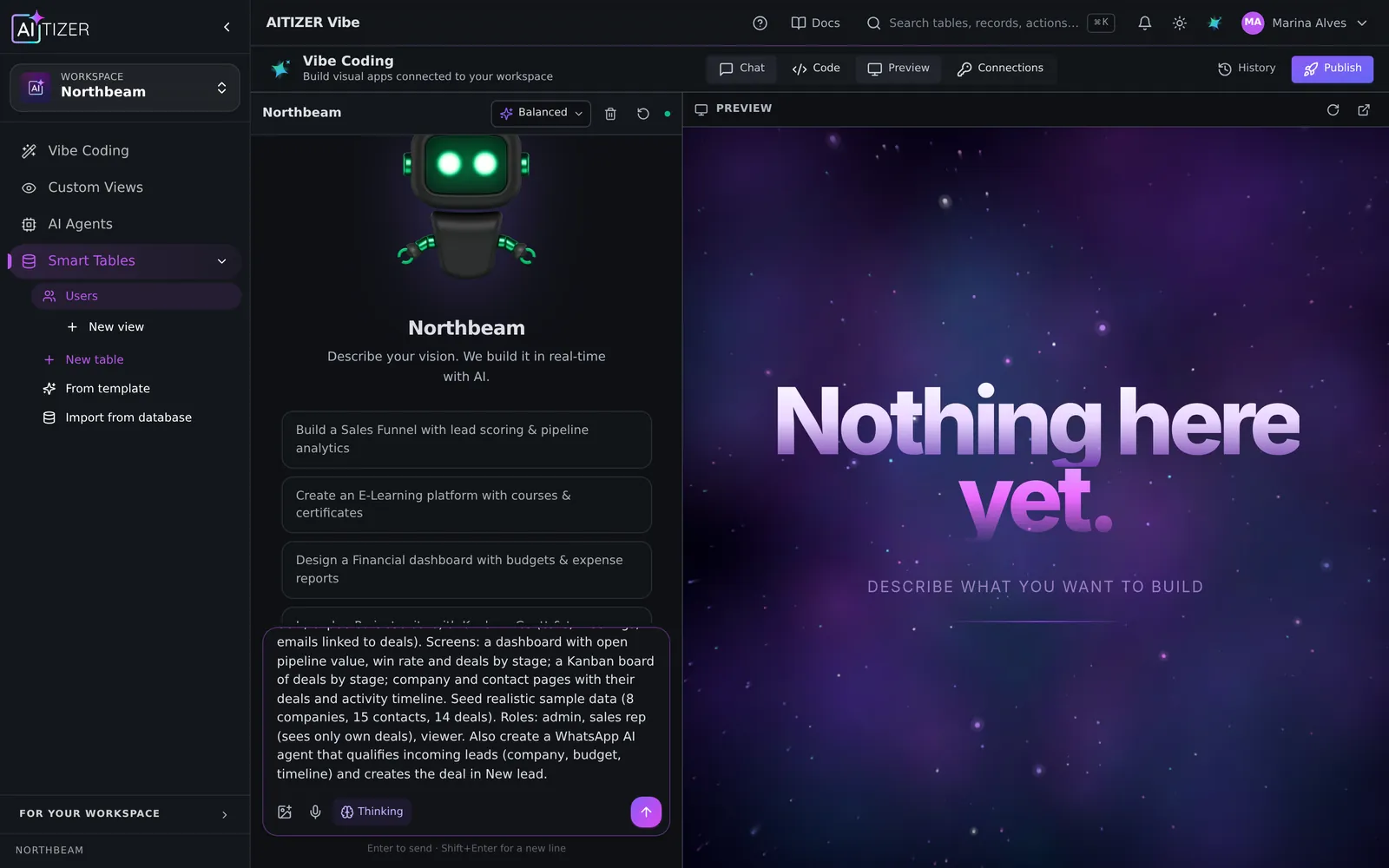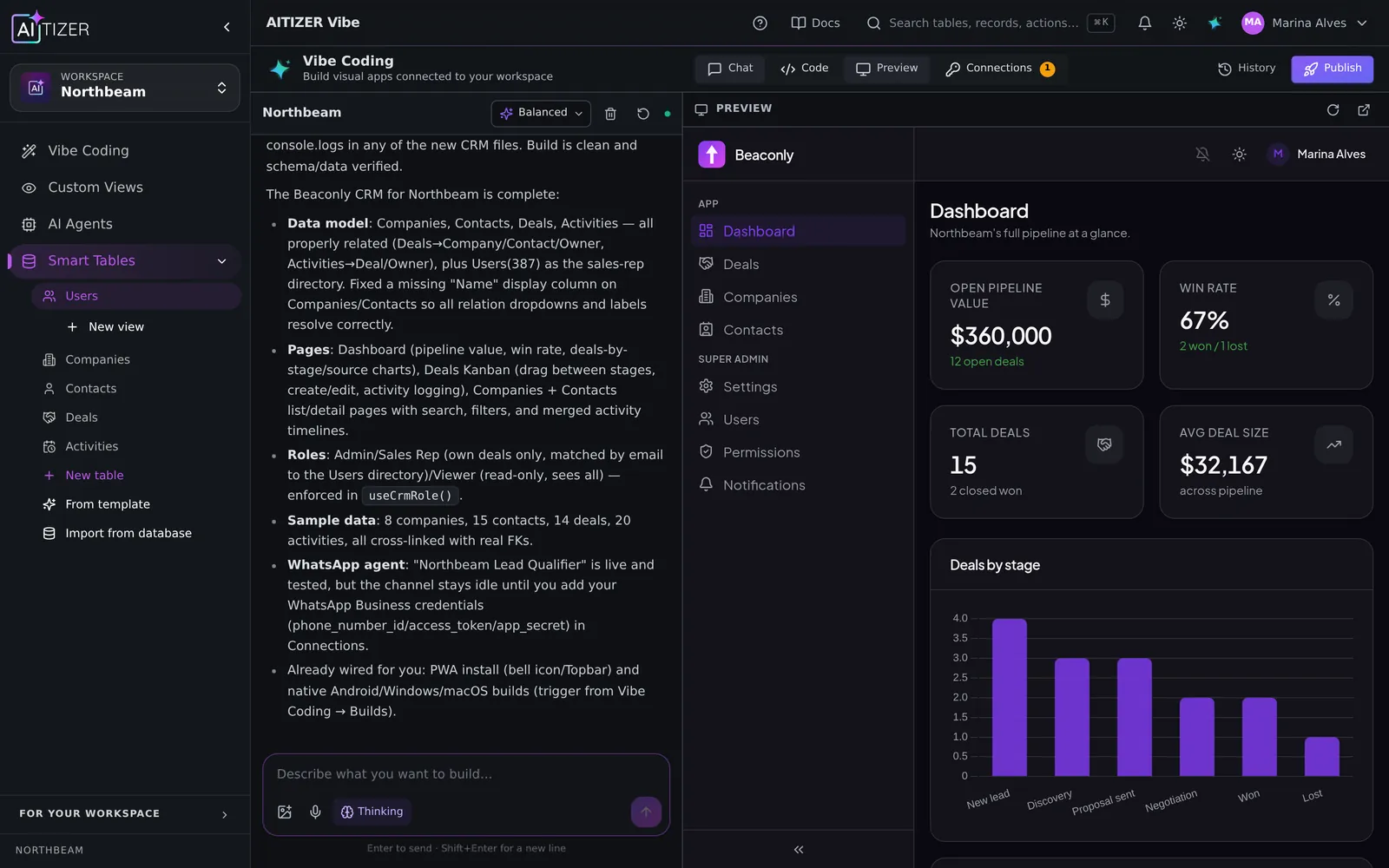
The three terms get mixed up constantly. Here is the clean version.
No-code: you assemble, visually
You build by dragging components and configuring them in panels. No programming language, but you still design the logic: data types, workflows, conditions. Examples: Bubble, Softr, Glide, Airtable Interfaces.
Good for: people who like visual tools and have time to learn one. Watch out for: the learning curve on complex apps, and lock-in.
Low-code: developers go faster
A visual layer for the boring parts, plus code (SQL, JavaScript) for the rest. Examples: Retool, Appsmith, OutSystems, Power Apps.
Good for: teams with developers who want to ship internal tools faster. Watch out for: it still needs a developer.
AI app builders: you describe, the AI builds
You write what you need in plain language; an AI generates the app and you iterate by talking to it. In 2026 this splits into two camps:
- Front-end generators. Produce screens and code; you bring the backend (Lovable, Bolt, v0).
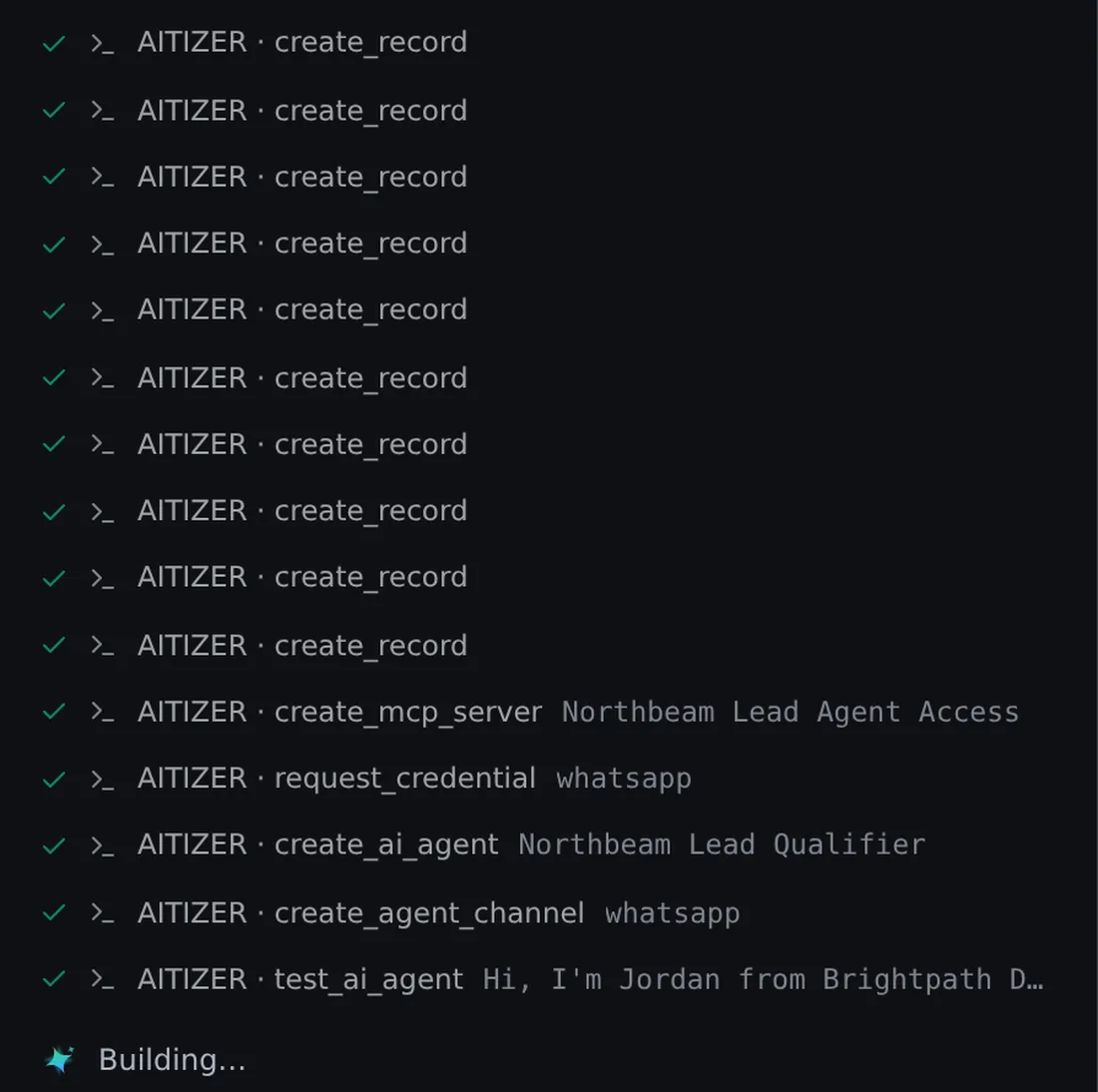
- Full-system builders. Create the database, permissions, automations and agents too (AITIZER).
Side by side
| No-code | Low-code | AI builder | |
|---|---|---|---|
| How you build | Drag and configure | Configure + code | Describe and refine |
| Time to first version | Days | Days | Minutes |
| Needs a developer | No | Yes | No |
| Complex logic | Hard | Easy | Easy |
| Typical cost | Per app or seat | Per seat | Plan + AI credits |
Which should you choose?
- One-off simple app, visual person → no-code.
- Engineering team, internal tools → low-code.
- Business process, no developers, needs to work next week → an AI builder that also creates the backend.
The categories are converging fast. Expect every serious tool to accept plain-language instructions by 2027; the real question is what sits underneath. A real database with permissions, or a pretty prototype.
Build it on AITIZER. Free, no card
Paste this into the composer and watch it ship:
Build a simple project tracker for my team: projects, tasks with owner and due date, a Kanban board and a weekly summary email.
- Real Postgres tables you own and can export
- AI agents on WhatsApp, Telegram and web chat
- Publish to your domain, or as a PWA, Android and desktop app