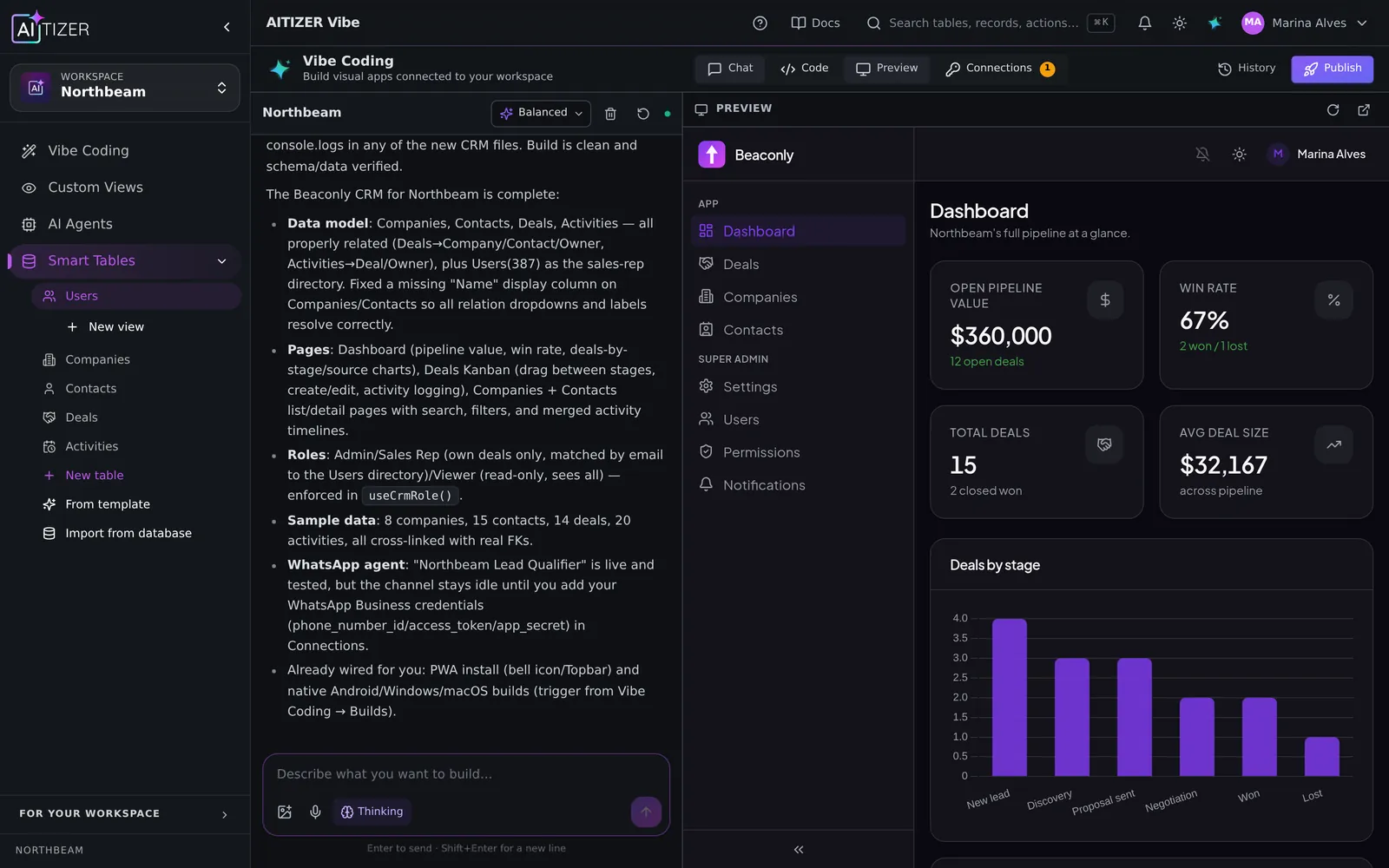
Airtable is a very good database. People move when they need the app on top of it, the agents, or their own domain and brand. Here is what the move looks like.
1. Export and import
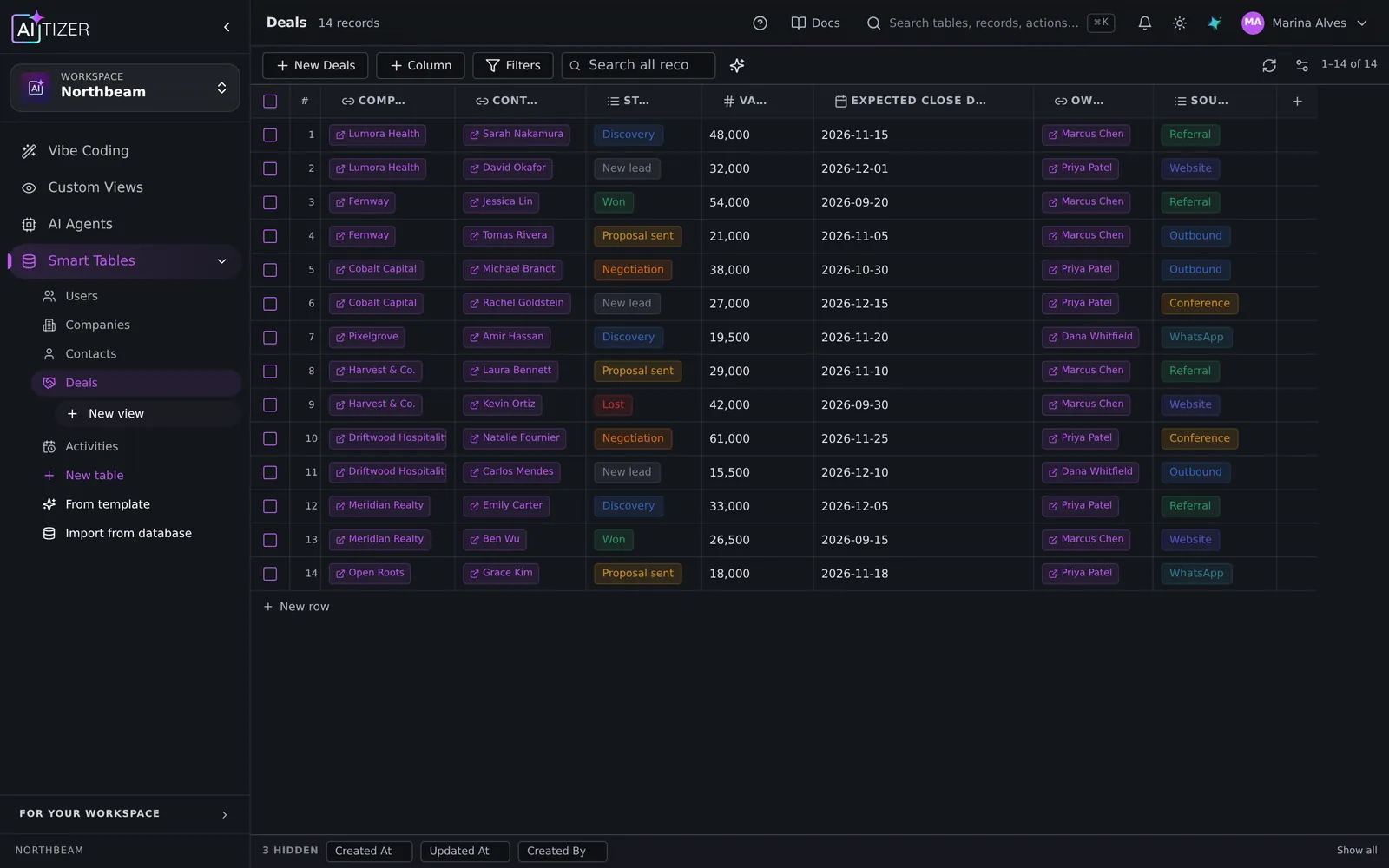
Export each Airtable table to CSV. In AITIZER, use Import: the wizard detects types (text, number, date, checkbox, single and multi select) and lets you map columns. Linked records become relation columns once both tables exist; import the parent table first.
2. Column types that map directly
- Formula → Formula column (Excel-like, or JavaScript for complex logic).
- Lookup and rollup → Formula over a relation.
- Attachment → File column.
- Button and scripting → Action columns (HTTP, integration, create/update record) and automations.
3. Views and interfaces
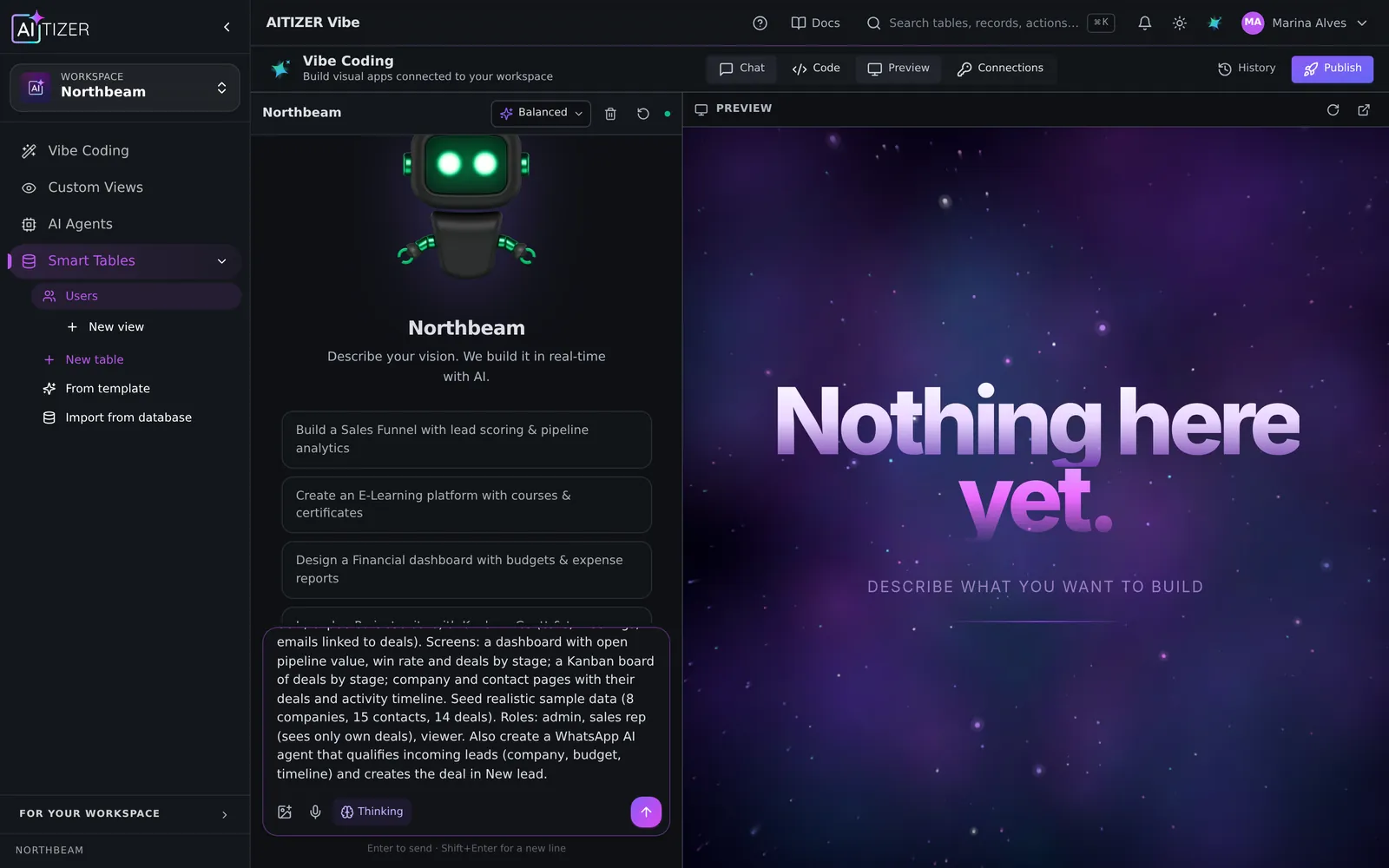
Grid, kanban, gallery, calendar and forms exist with the same mental model. For interfaces, describe the screen you want and the AI builds a custom view or a full app with login and roles; you can keep editing it.
4. Automations
Row triggers, schedules and webhooks with HMAC are built in. Calls to third parties use 240 pre-wired integrations with server-side credentials.
5. What you gain
- Apps and client portals on your domain, white-label.
- AI agents on WhatsApp, Telegram and web that respect table permissions.
- MCP server and REST API for your developers.
- Export anytime; the generated code is yours.
Read the full comparison: AITIZER vs Airtable.
Build it on AITIZER. Free, no card
Describe the software you need. AITIZER builds the database, screens, login, permissions and AI agents. And hosts it on your domain.
- Real Postgres tables you own and can export
- AI agents on WhatsApp, Telegram and web chat
- Publish to your domain, or as a PWA, Android and desktop app