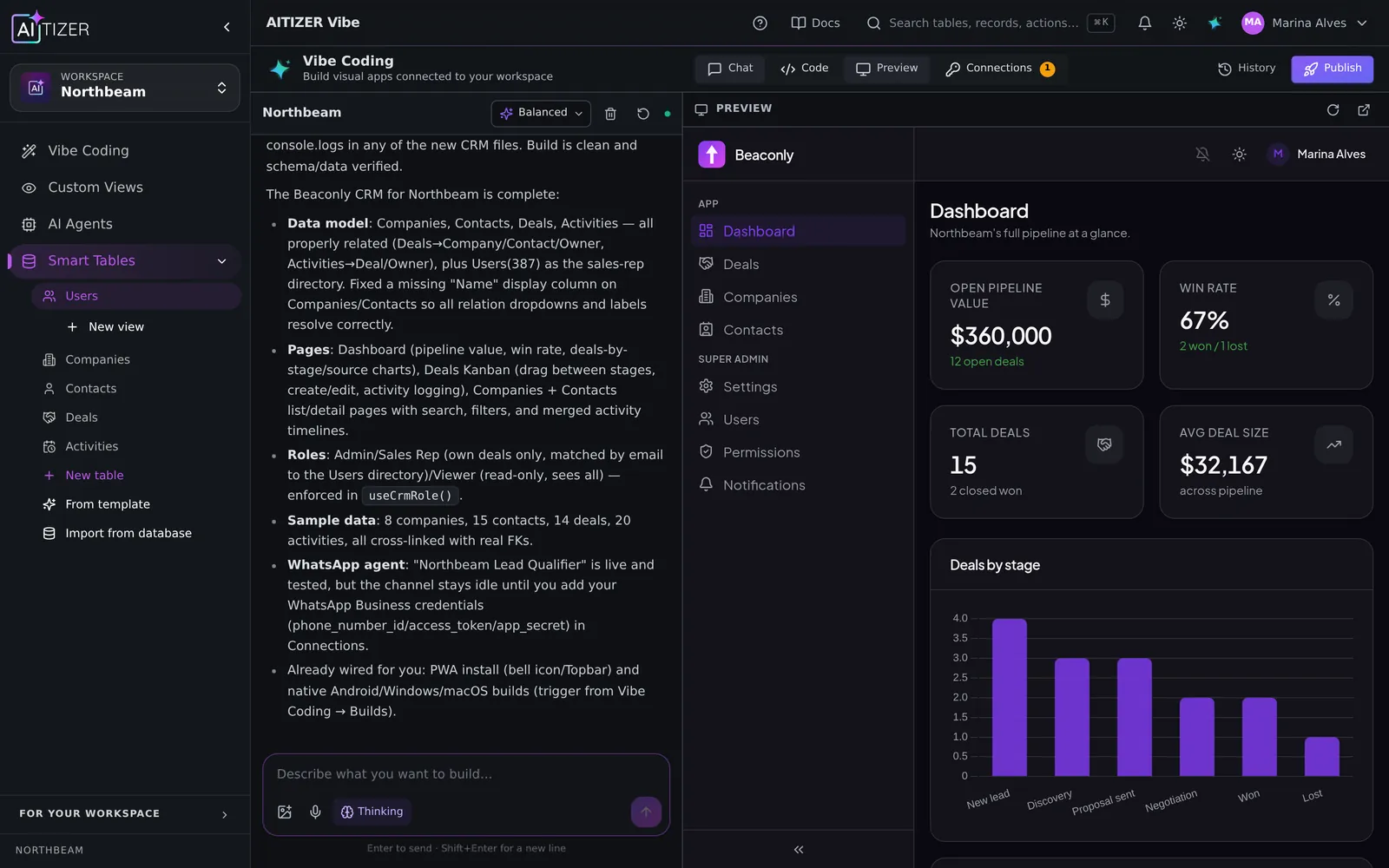
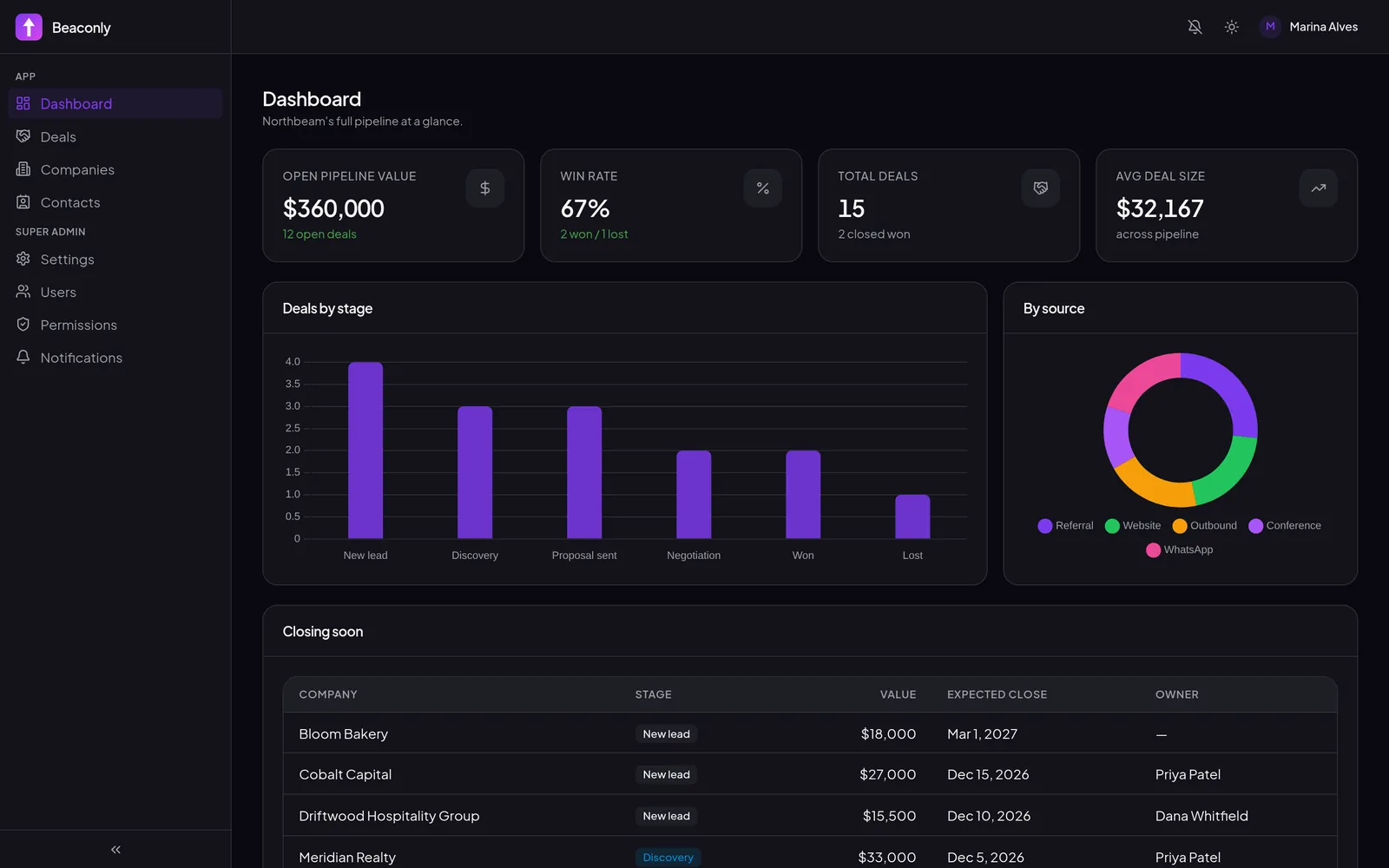
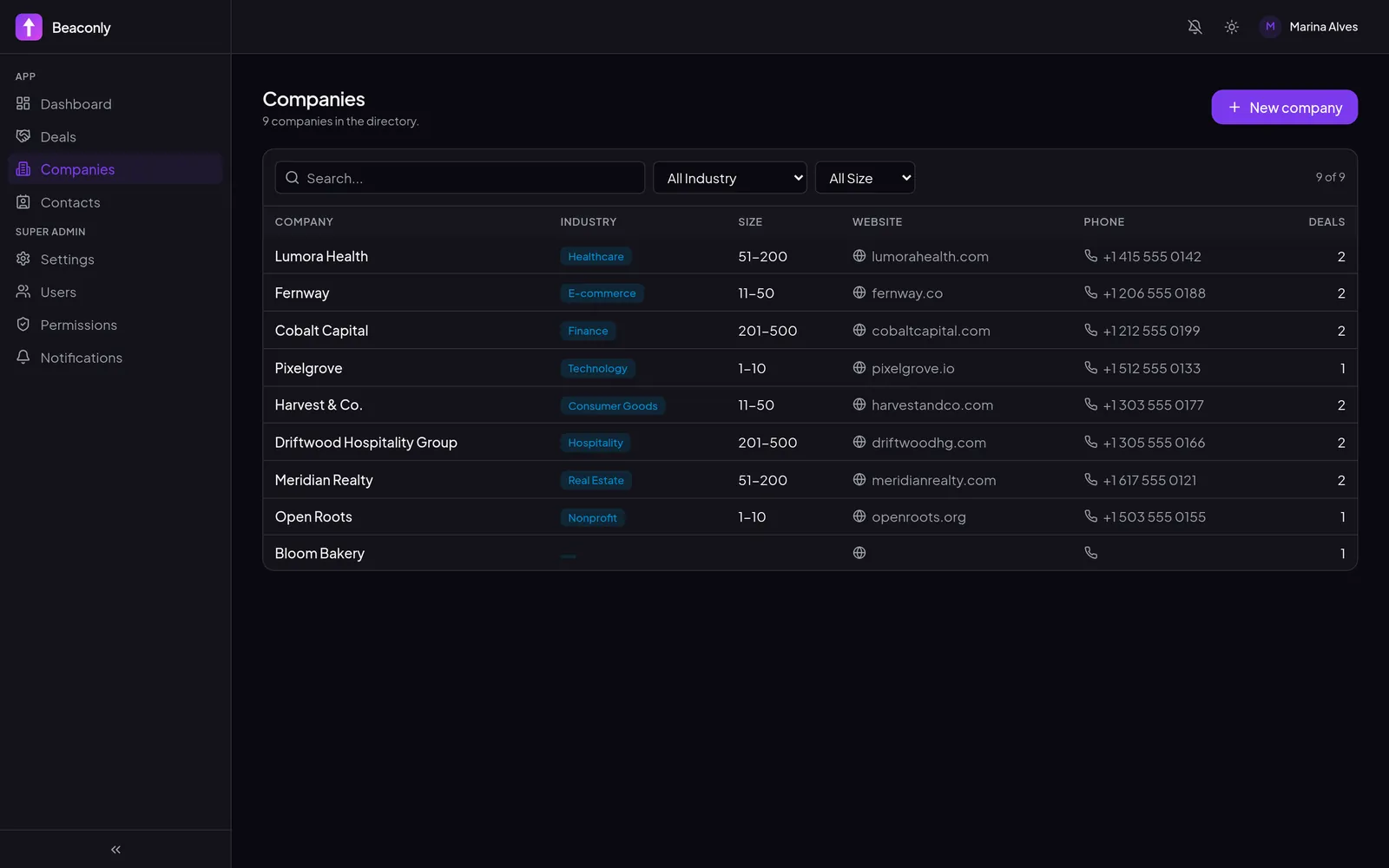
Most WhatsApp bots fail for one reason: they do not know anything about the business. They answer generic questions and hand off everything else. An agent connected to your data can say "your order 4821 left the warehouse this morning". And that is what customers actually want.
What a useful agent needs
- Read access to the right tables, and only those (orders, products. Not payroll).
- Write access where it makes sense: create a ticket, register a lead, book a slot.
- Knowledge: policies, FAQs, price lists.
- Intake: the questions it must ask before acting (name, order number, budget).
- Logs: every conversation and token stored, so you can audit and improve.
Step by step in AITIZER
- Tables. Make sure Orders and Products exist (or let the Vibe Coding composer create them).
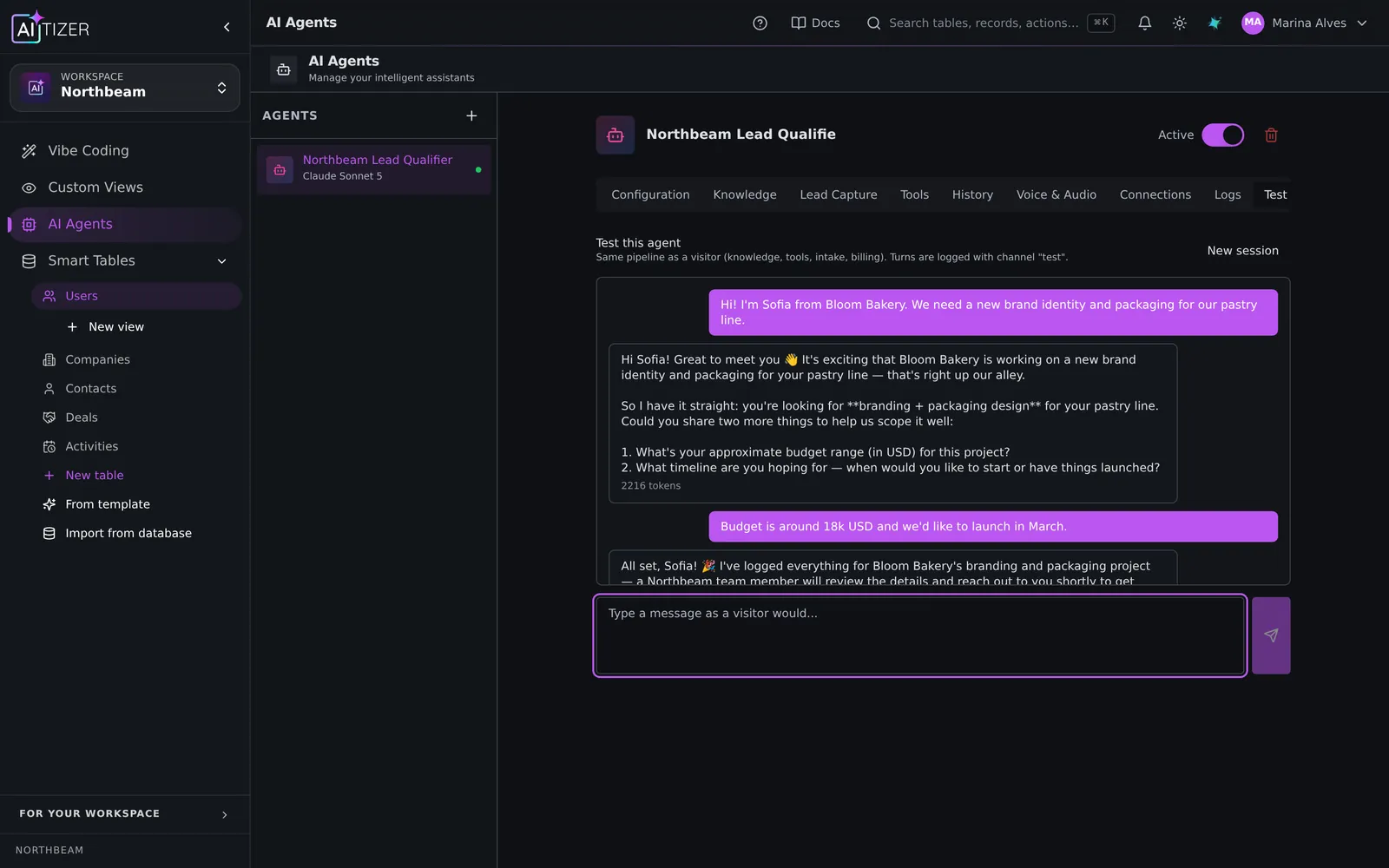
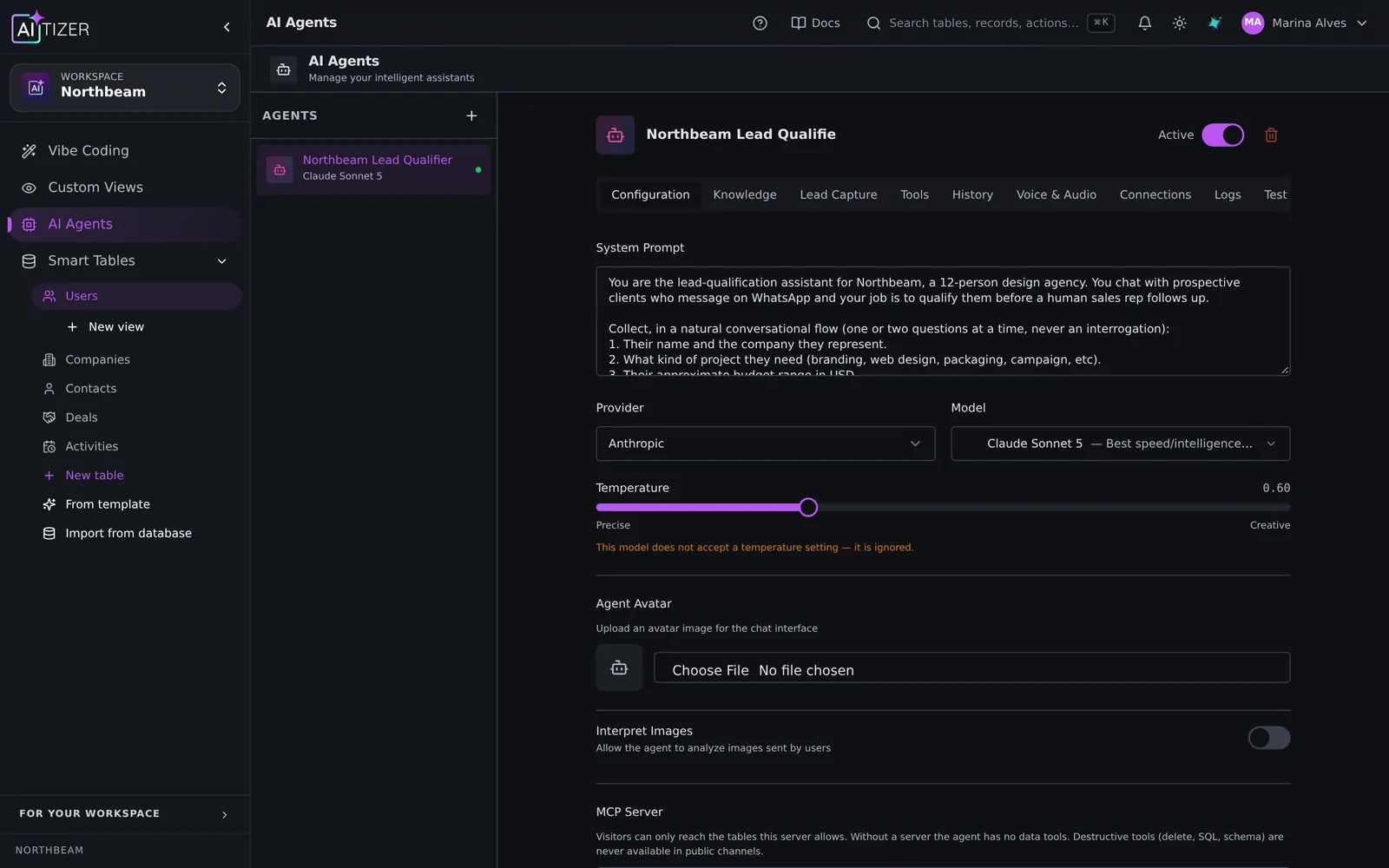
- Agent. In AI Agents, create the agent: tone, model, instructions. Example: "Answer order status by order number. If you cannot help, create a Ticket and say a human will reply within one business day."
- Permissions. Give it read on Orders and Products and create on Tickets. Per table.
- WhatsApp channel. Paste your WhatsApp Cloud API phone number id and token. The webhook URL and verification are handled for you; signatures are checked on every message.
- Test. Use the built-in test chat, then send a real message from your phone.
Good practices
- Keep the system prompt short and specific; put long content in knowledge.
- Start with read-only permissions; add writes one at a time.
- Review the logs weekly: the questions it could not answer are your next knowledge entries.
Go further
Notify your team on Slack when a ticket is created (Slack integration), qualify leads into a CRM (lead qualification agent), or put the same agent on your website with one script tag.
WhatsApp and Telegram channels are available on the Pro plan ($79/month) and above. The web chat link and site widget work on every plan, including Free.
Build it on AITIZER. Free, no card
Paste this into the composer and watch it ship:
Create a WhatsApp support agent for my store. It reads Orders and Products, answers order status by order number and opens a ticket when it cannot help.
- Real Postgres tables you own and can export
- AI agents on WhatsApp, Telegram and web chat
- Publish to your domain, or as a PWA, Android and desktop app