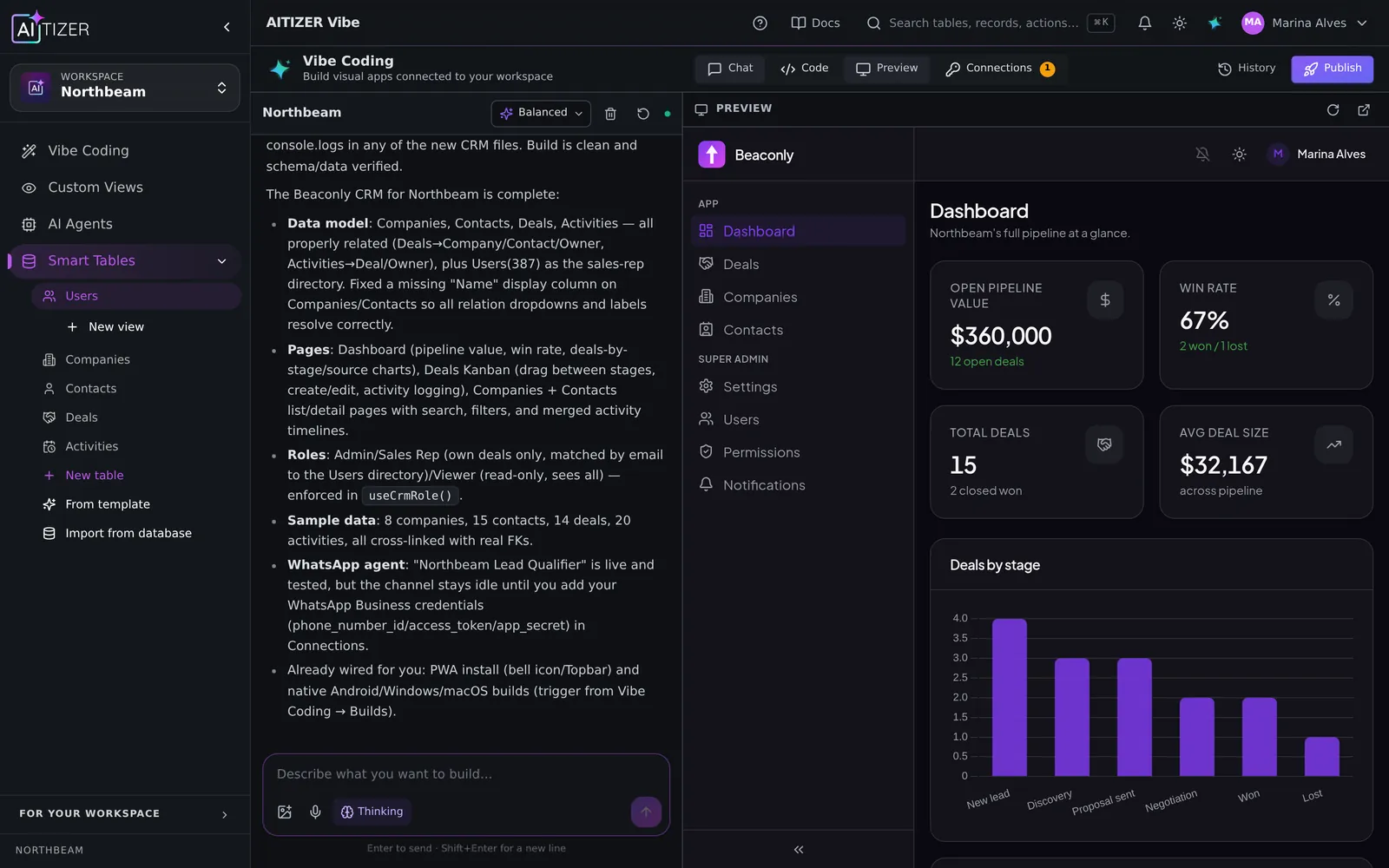
Clients ask the same three questions all week: "What's the status?", "Where is the file?" and "Did you get my payment?". A client portal answers them before they are asked. And makes a small agency look like a big one.
The hard part of a portal is not the screens. It is who sees what: each client must see only their own projects, files and invoices, every time, with no exceptions. That is exactly where most no-code portals get fragile.
What a good client portal needs
- Client logins. Email and password, or single sign-on for larger clients.
- Row-level access. Every record belongs to a client; clients only ever see their own.
- Project status. Milestones, deadlines and what is waiting on the client.
- Files. Deliverables and uploads in one place.
- Invoices. Status and a payment link.
- Notifications. Email or push when something changes.
Build it on AITIZER
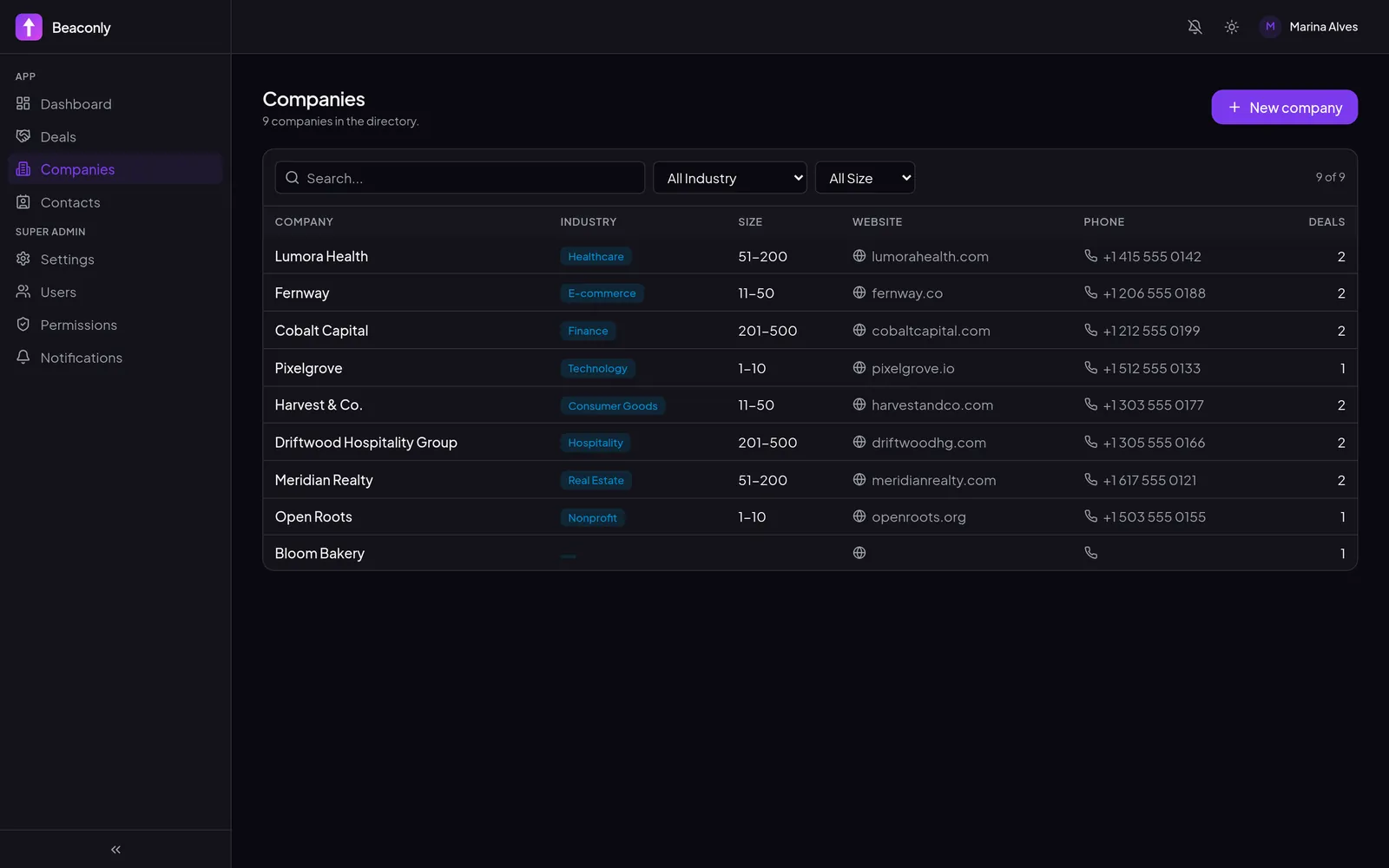
Paste the prompt below. AITIZER creates the tables (Clients, Projects, Milestones, Files, Invoices), relates everything to the client, and generates two experiences: the admin app for your team and the portal for clients.
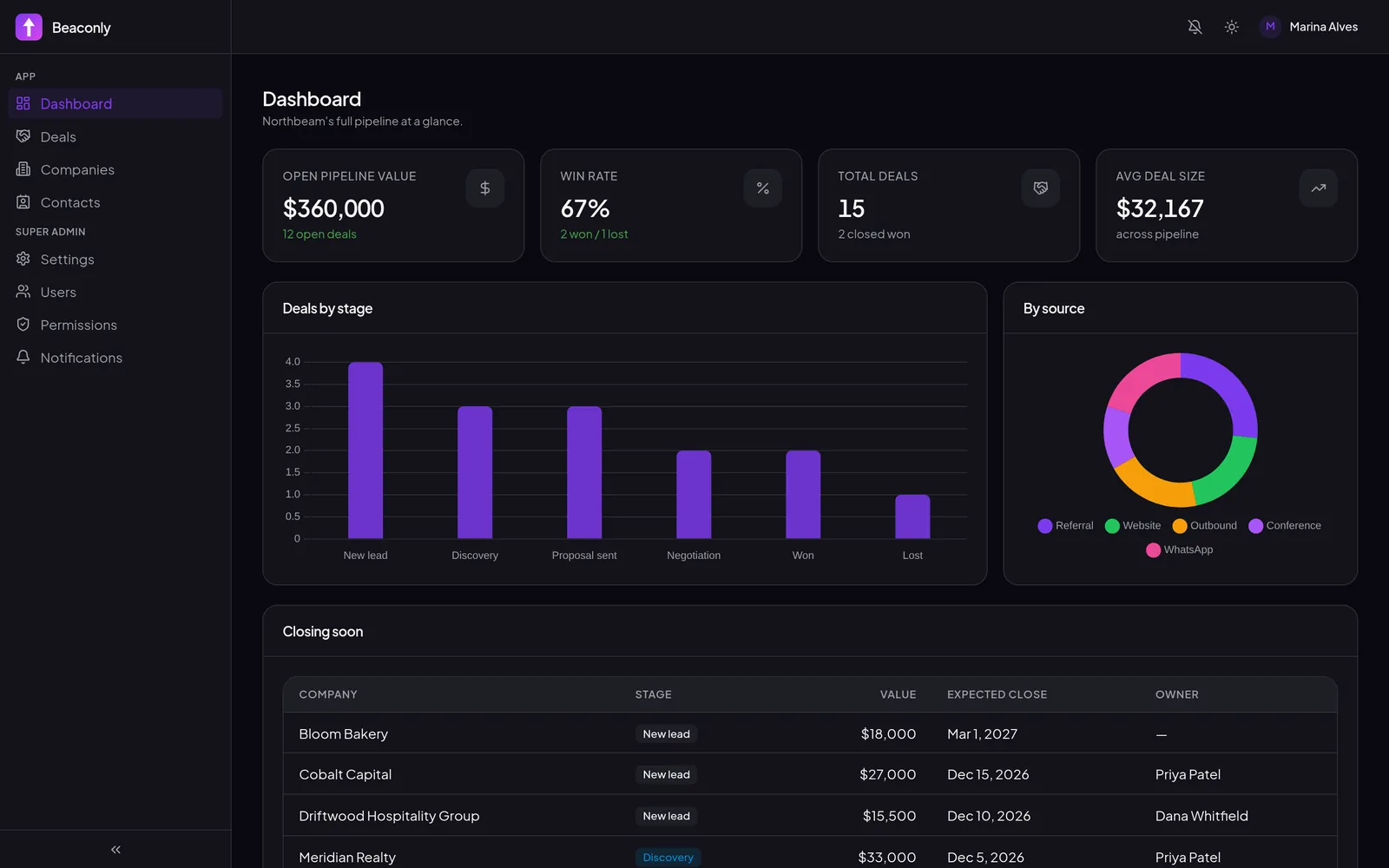
Permissions are enforced on the server, not hidden in the interface. Even if someone copies an API call, they cannot read another client's rows.
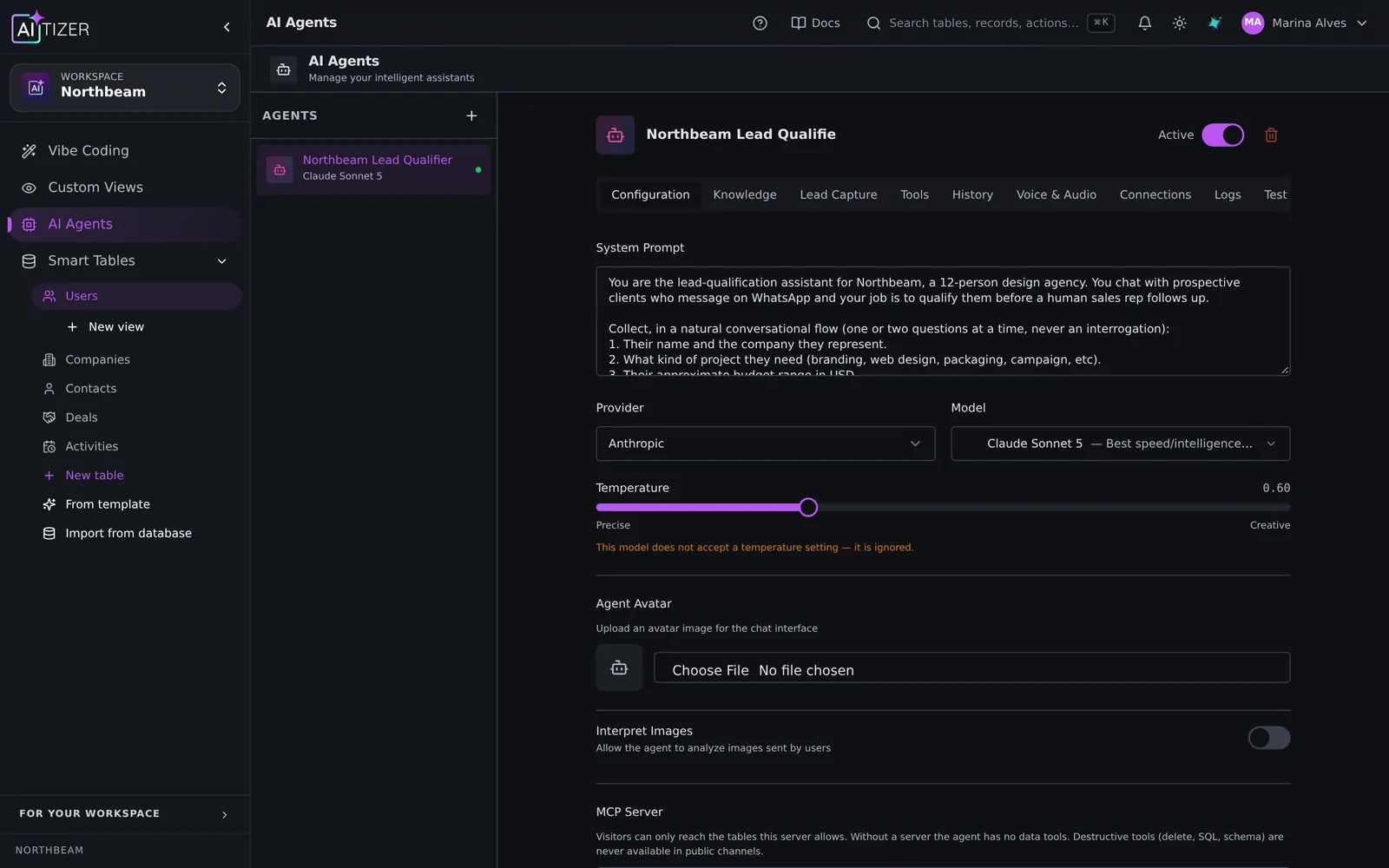
Add an assistant that knows each project
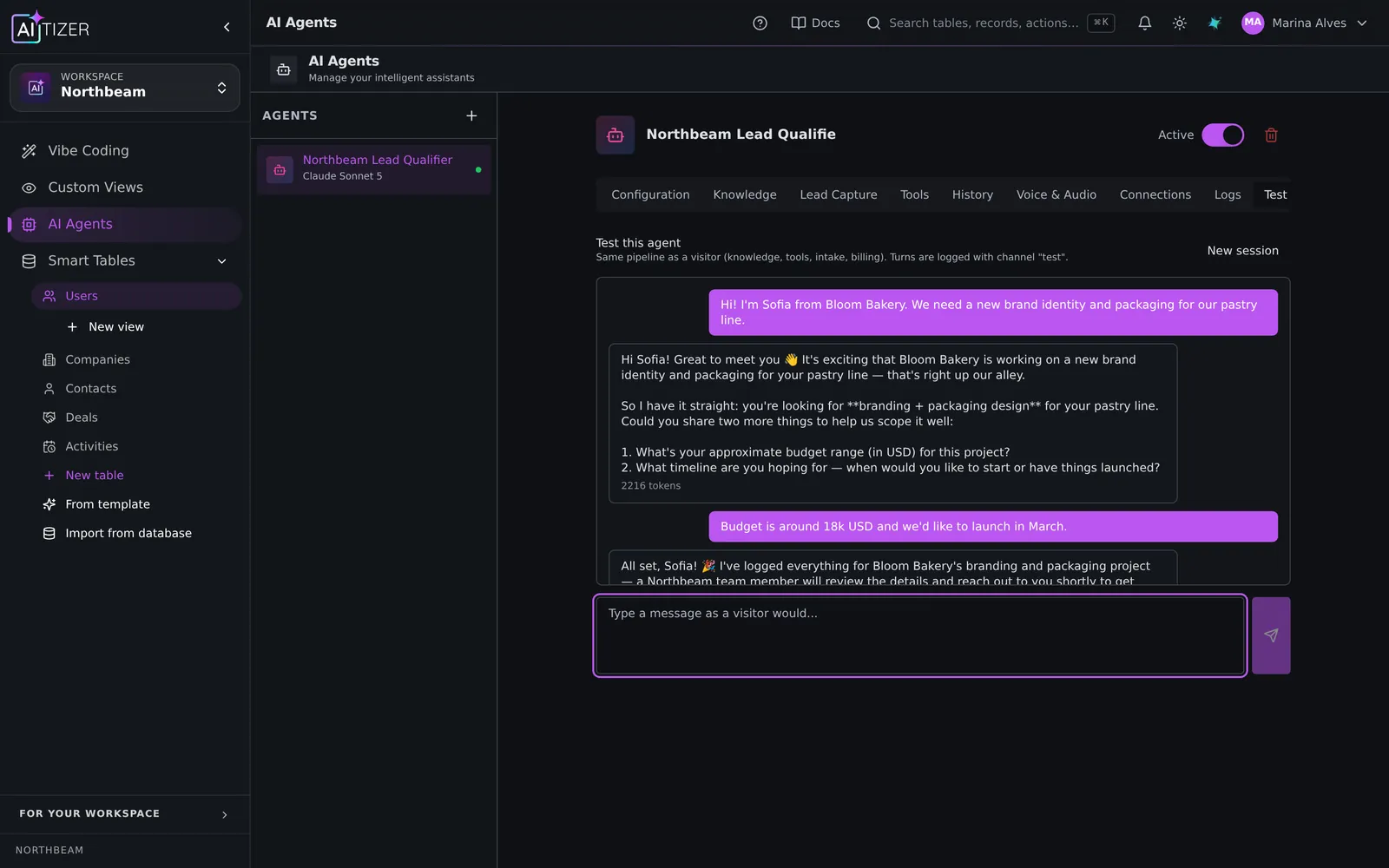
Clients love asking in plain language. Add an AI agent that answers "when is the next milestone?" or "what do you need from us?" using only that client's data.
Publish on your domain
Publish the portal at portal.youragency.com and remove AITIZER branding (both from the Pro plan), and let clients install it on their phones as an app (PWA). On Business you can white-label the whole platform.
Cost
Publishing starts on Starter ($29/month, up to 500 portal users). Pro ($79/month) adds your own domain, no AITIZER branding and up to 5,000 users; Business ($249/month) adds full white-label and SAML single sign-on. You can design and test the portal on the Free plan first.
Build it on AITIZER. Free, no card
Paste this into the composer and watch it ship:
Build a client portal for my agency. Clients log in and see only their own projects, project status and milestones, shared files and invoices. Admins manage everything. Add a chat assistant that answers project questions from the project data.
- Real Postgres tables you own and can export
- AI agents on WhatsApp, Telegram and web chat
- Publish to your domain, or as a PWA, Android and desktop app